The 10 Best Apps for Gardeners
From identifying a mystery seedling to remembering the watering, here are the 10 best gardening apps for people who actually get their hands dirty.
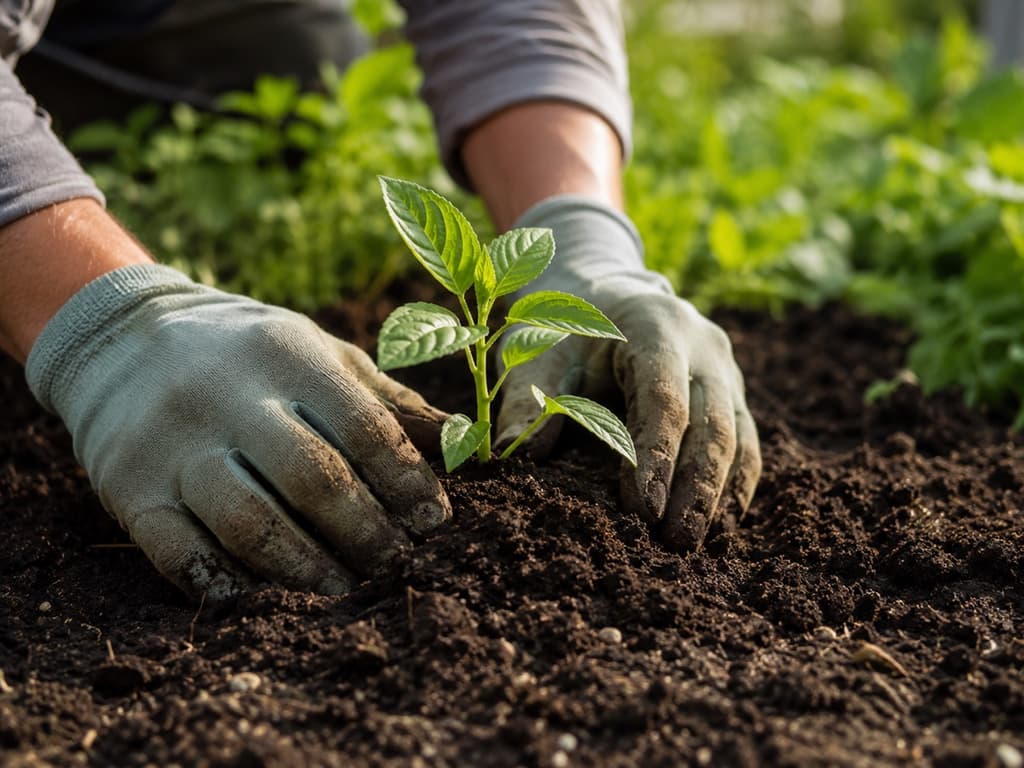
Anyone who gardens knows the feeling. You are out in the yard on a Saturday morning, coffee going cold on the step, and you are staring at something that popped up overnight. Is it a seedling you planted or a weed you should pull? Is that spotted leaf a bug problem or just the heat? A good gardening app answers those little questions before they turn into big ones.
The trouble is that there are dozens of them now, and most of them look the same until you actually use one. Some are brilliant at naming a plant but forget you have to keep it alive afterward. Others nag you with reminders but cannot tell a fern from a fungus. What you really want is a helper that keeps up with a real garden across the whole season.
So we spent time with the ones people keep recommending. We looked at how well each one identifies plants, how useful the care advice is once you are past the name, and whether it fits the rhythm of someone who is out there most weekends. Here are the ten that earned a place, starting with our overall pick for everyday gardening.
1. Bloom: Best for everyday gardening
If your garden is a living, changing thing rather than a single houseplant on a shelf, Bloom was built for exactly that. It handles the whole loop a gardener actually lives in. You point the camera at something and it tells you what it is. That covers more than 35,000 species, with the right answer about nine times out of ten, an accuracy rate confirmed by independent research rather than our own cheerleading. Then it keeps going, laying out how to care for that plant in plain language you do not need a horticulture book to follow.
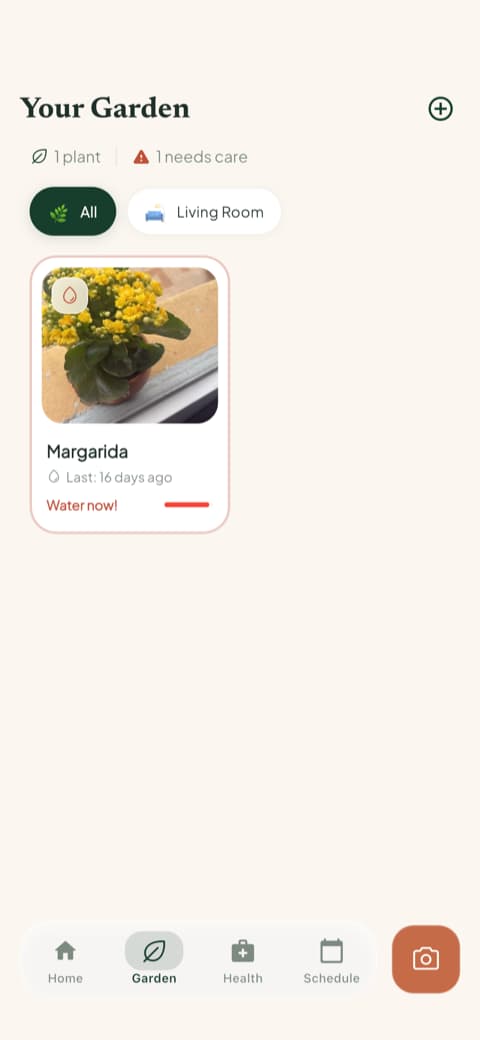
What makes it click for gardeners is the toolbox sitting one tap from the home screen. You can diagnose a sick plant from a photo, measure the light in a shady corner before you plant there, check whether something is safe around the dog, and identify weeds so you know what to pull and what to leave.
Every plant you add gets a health score and a watering amount worked out for its pot and its spot. The guesswork that kills so many gardens finally goes quiet.
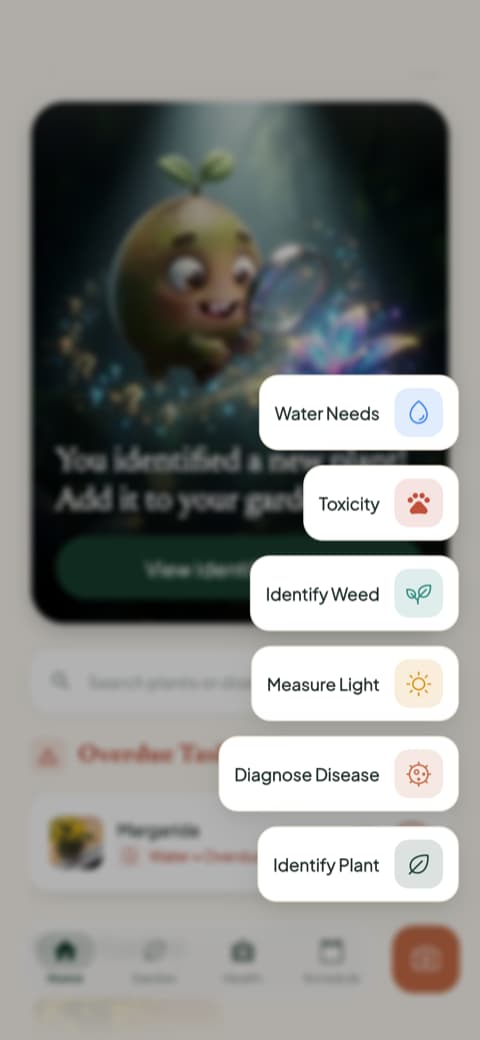
There is also Pip, a friendly little sprout who walks you through it all, which makes the whole thing feel more like gardening with a knowledgeable neighbor than filing paperwork. Bloom holds a 4.8 rating from its community, and it is an easy recommendation for anyone who gardens every weekend.
2. PictureThis: Best for the biggest plant database
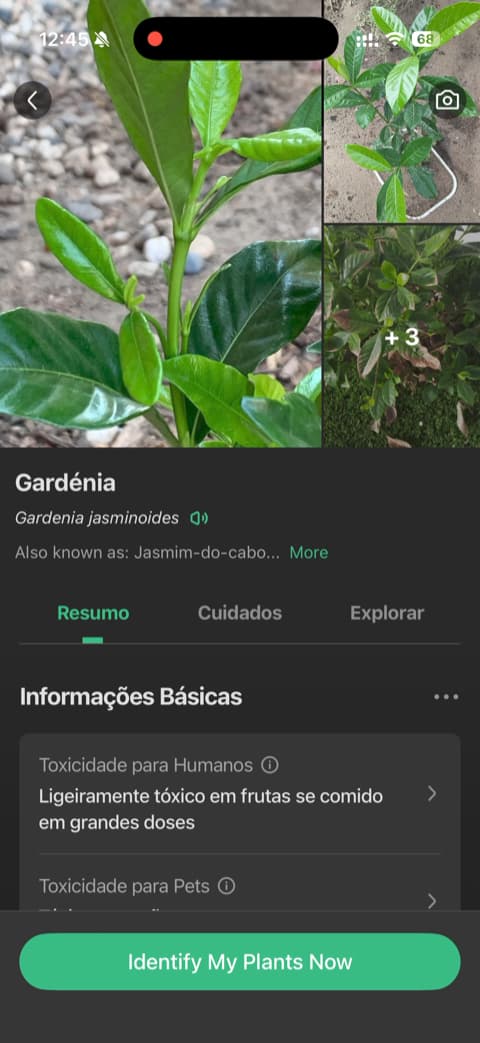
Few apps recognize this much. The PictureThis database is huge and its accuracy is well regarded, which helps when you are on a trail or at the nursery, staring at something you have never seen before. It also slips in photo tips that teach you to take clearer shots, so your results improve over time. If you love naming everything you come across, that sheer breadth is hard to beat.
3. Planta: Best for a polished care routine
Here the advice only arrives after the questions. The opening quiz covers your experience and your growing conditions, right down to a slider for how far your plant sits from the window, and the guidance comes back shaped around that. The design is genuinely lovely, and it is clear why the app has picked up editorial praise and a large following. Gardeners who want a structured, good-looking routine to lean on will find it here.
4. PlantSnap: Best for quick field identification
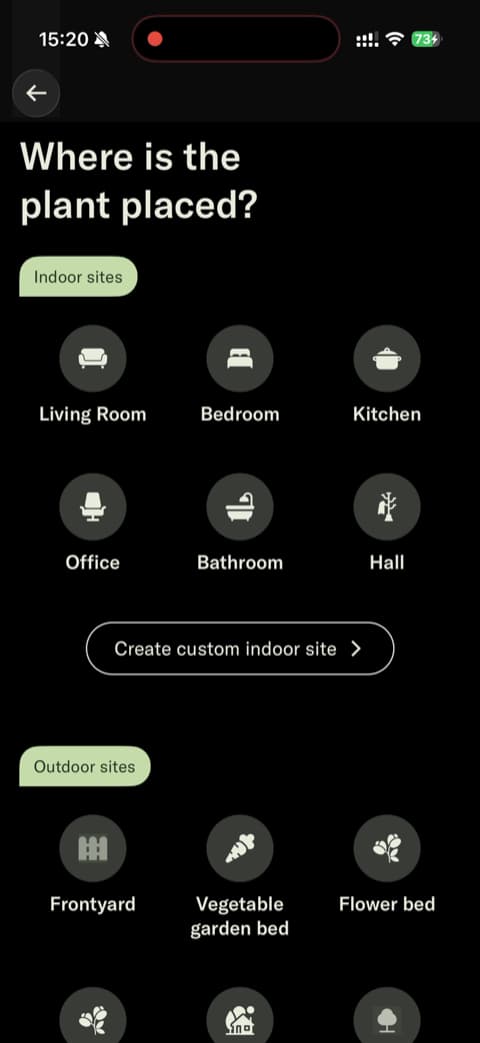
Sometimes you just want the name, and you want it now. PlantSnap is built around that one job and lets you get to it fast, guest mode and all, with no account to set up. That helps when the question comes up while you are standing in someone else's garden. The identification screens use clear icons and plain text, with nothing extra in the way.
5. LeafSnap: Best for a straightforward ID tool
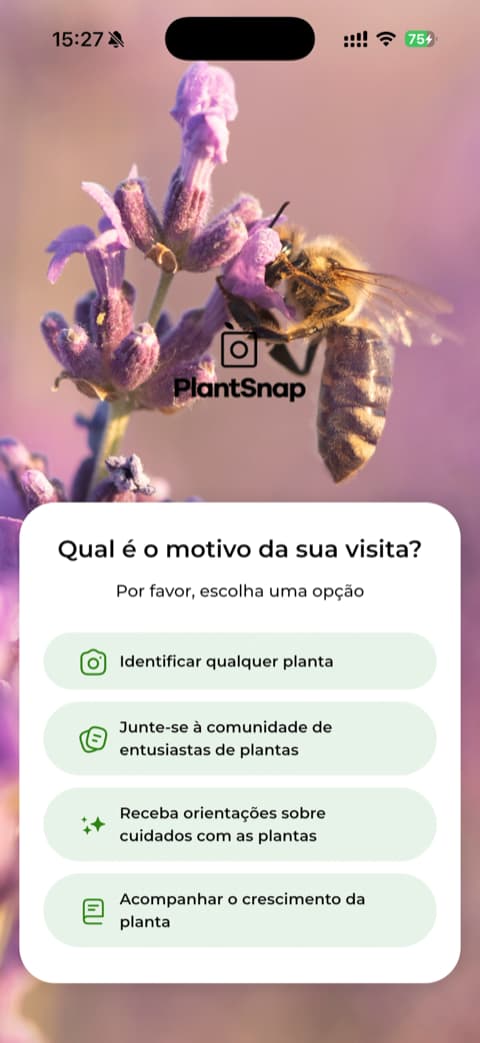
Simple and focused on identification: that is all LeafSnap sets out to be, and it is exactly what a lot of gardeners want from a pocket tool. Its large and loyal user base suggests the idea works. Past the opening screens the experience is direct, you ask and it answers, without demanding much from you. For an uncomplicated way to put a name to a leaf, it holds up.

6. Blossom: Best for a value-first first impression
First impressions here are polished, with high-quality visuals and video that make Blossom pleasant from the very first tap. Before it asks anything of you, it lets you set up a plant and see its care information, so the value shows up early. The writing speaks directly to anyone who has watched a plant slowly give up. A warm, approachable place to begin.
7. PlantIn: Best for guided identification
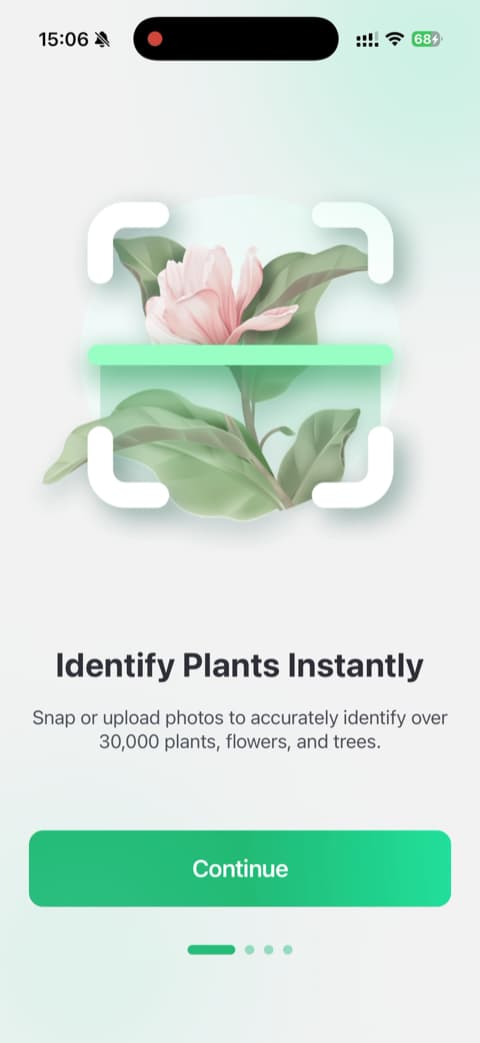
If being dropped into an empty screen stops you cold, this one works differently. PlantIn walks you through its features with a clear hand, and an interactive demo shows identification working before you even try it. The care guidance and diagnosis tools are laid out in a way that is easy to follow. The balance between helping and hovering lands about right.
8. Plantify: Best for a tailored setup
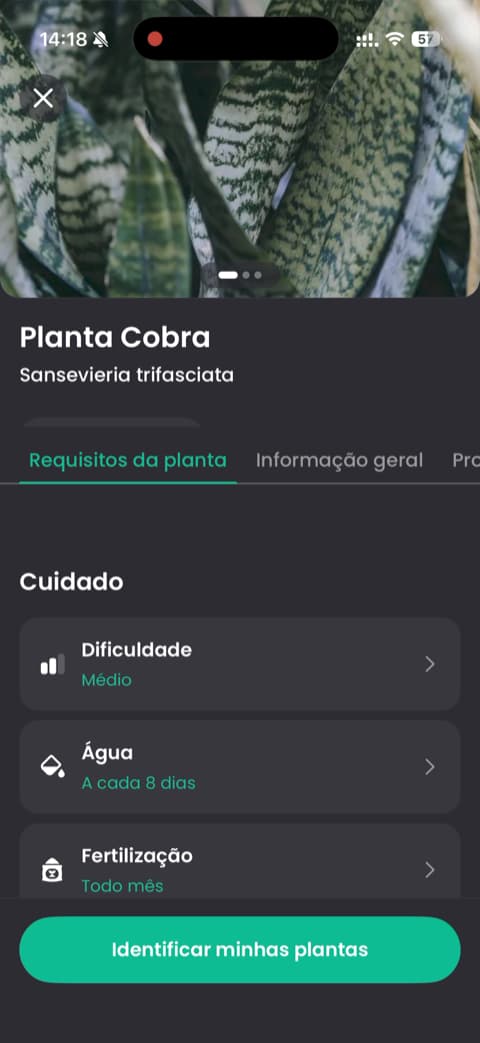
It all starts with questions: your experience level, your goals, what you want out of the app. Plantify uses those answers to shape what it shows you from there, backing up its advice along the way with visual feedback and steady signs that other people trust it. The result feels made for your situation rather than one-size-fits-all. Gardeners who appreciate a personalized start will feel at home.
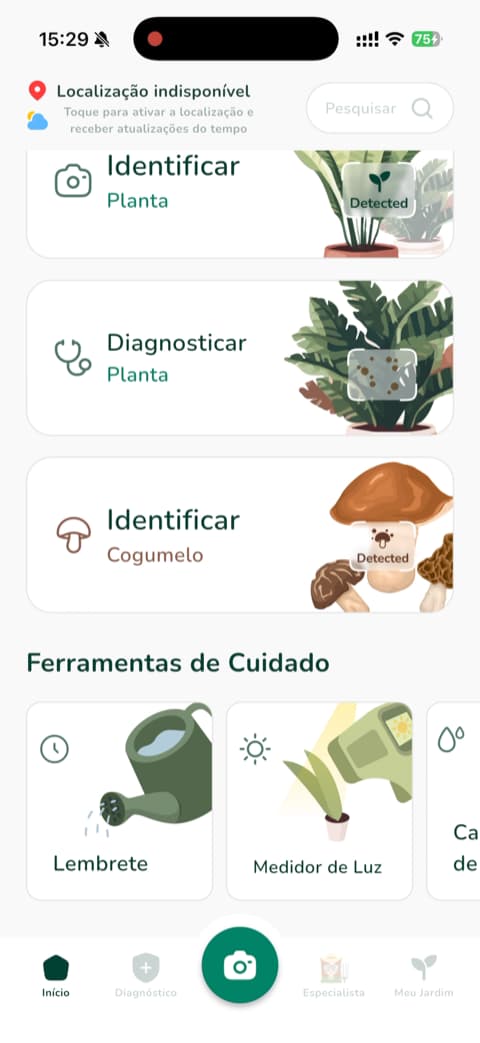
9. VerdeFinder: Best for a visual walkthrough
The opening carousel is clean and well illustrated, and it makes every tool clear at a glance, from diagnosis to care reminders. VerdeFinder also asks a few personalization questions so the app feels shaped around what you actually grow. The visuals stay polished all the way through, which helps if you are newer to this. Like seeing what an app offers before you dig in? It is all right there.
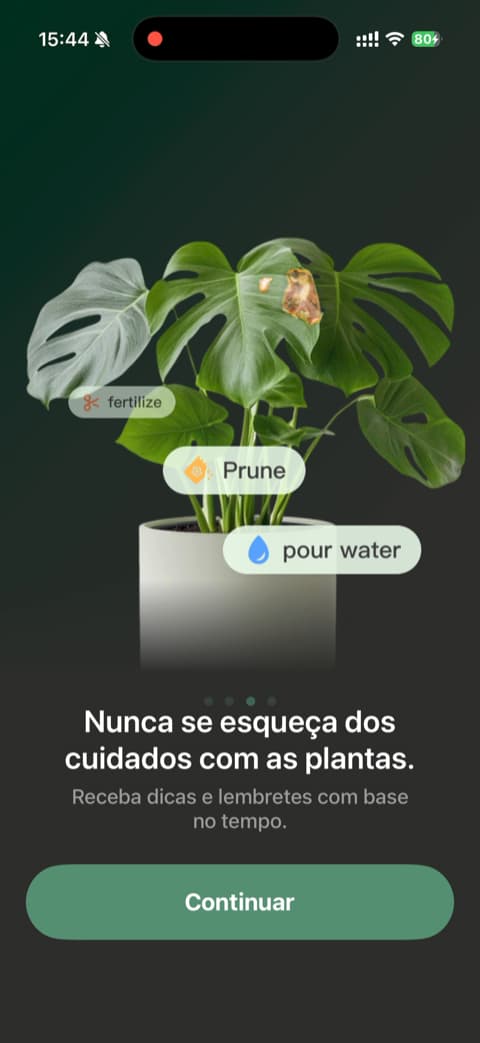
10. Botan: Best for a smooth first run
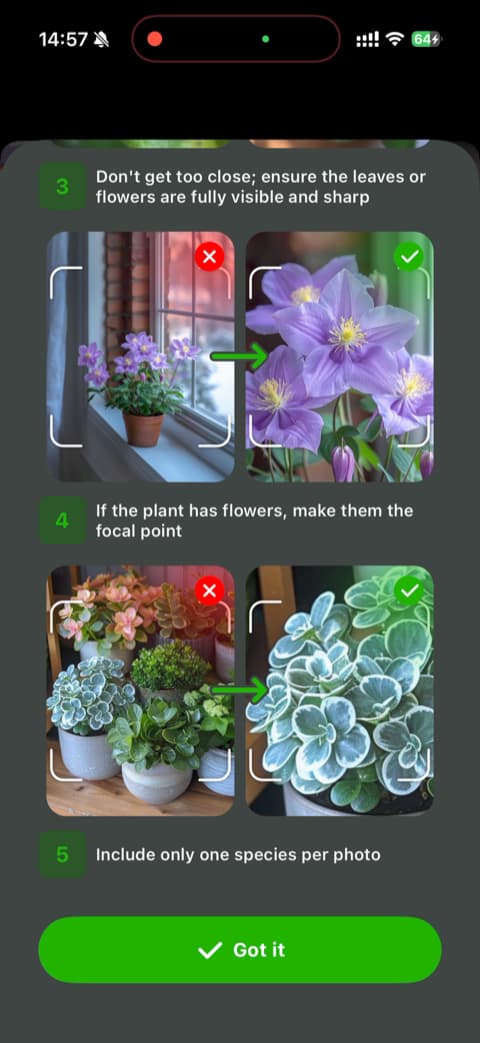
The first few minutes with Botan are calm ones. It explains why it needs each permission before it asks, a small courtesy that changes the tone of the whole thing. The camera comes with a clear visual tutorial, so your first photo is a good one and identification starts on the right foot. The introduction animations are high quality and keep that same unhurried feel. If you are tired of pop-ups, this is a gentle place to begin.
How to choose
Think about what your garden actually asks of you. If you mostly want to name the plants you meet, an identification-first app like PictureThis, PlantSnap, or LeafSnap will serve you well. If you want something that stays with you through the whole season, identifying, diagnosing, watering, and reminding, Bloom pulls all of that into one place and keeps a real garden ticking along without the guesswork.
Download Bloom and let Pip help you tend your garden from the very first plant.
Related articles

The 5 Best Apps to Remember to Water Your Plants
Always forgetting to water your plants? Here are the 5 best apps that remember for you, tested for smart reminders that actually fit your routine.

The 6 Best Plant Apps for Beginners
New to plants and worried you'll kill them? Here are the six best plant apps for beginners, tested for how easy they make identifying and caring for your first plants.

The 7 Best Apps for People Who Always Kill Their Plants
If your plants keep dying no matter how hard you try, these 7 apps were made for you. Here are the ones that actually help keep a plant alive.