The 12 Best Plant Apps for Anyone With a Plant at Home
We tested the most popular plant apps. Here are the 12 best for identifying, watering, and keeping your houseplants happy, ranked and reviewed.
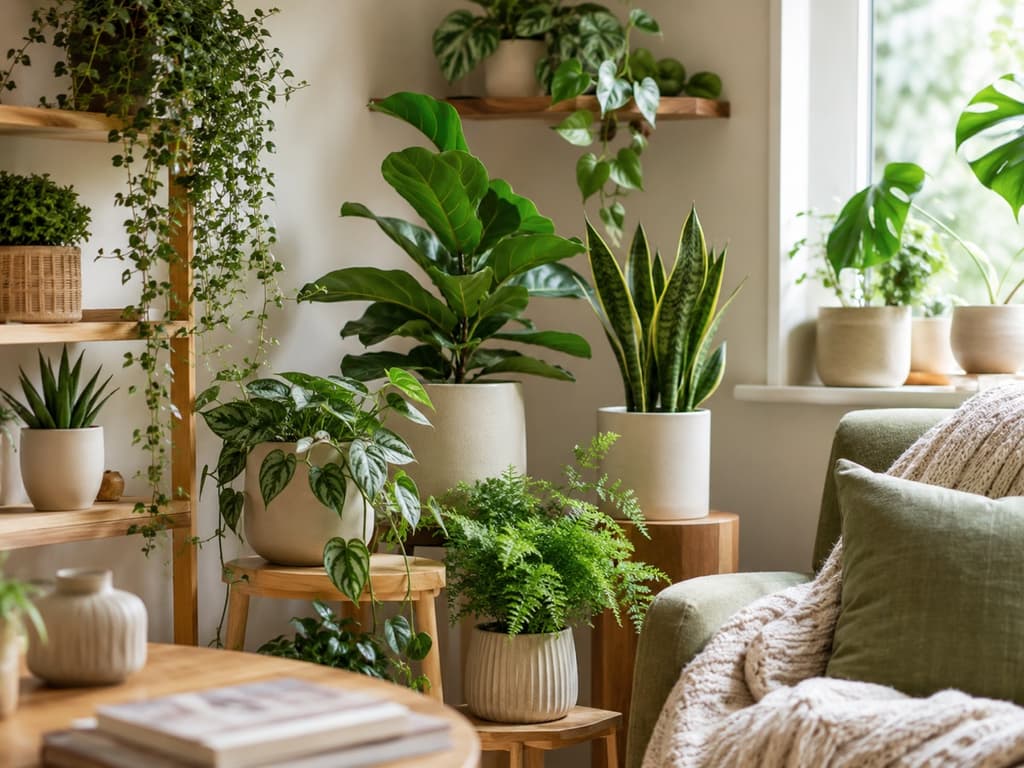
There are a lot of plant apps out there. Open your app store, type in "plant," and you'll scroll past dozens of them before you even finish your coffee. They all promise to name your fern, save your dying succulent, and turn you into the kind of person whose windowsill looks like a magazine spread.
The trouble is that they are not all the same, and it's hard to tell which one actually fits your life until you've already downloaded five of them. Some are brilliant at telling you what a plant is and then leave you on your own. Others are wonderful reminder apps that can't identify a thing. And a few try to do everything at once, cramming so much onto the screen that you do not know where to start.
So we did the sorting for you. Below are the twelve plant apps worth your time, each one good at something specific, with a short note on who it's really for. We looked at how accurately each one identifies plants, how helpful it is once the plant is in your home, and how easy it is to use day to day. No jargon, just what we noticed when we tried them ourselves.
1. Bloom: Best overall
Bloom earns the top spot because it does the whole job well and manages to feel friendly while doing it. You point your camera at a plant, and within a few seconds you have an answer along with everything you need to keep that plant alive. The identification engine recognizes over 35,000 species and gets it right about 9 times out of 10, an accuracy rate that has been validated by independent research rather than marketing copy.
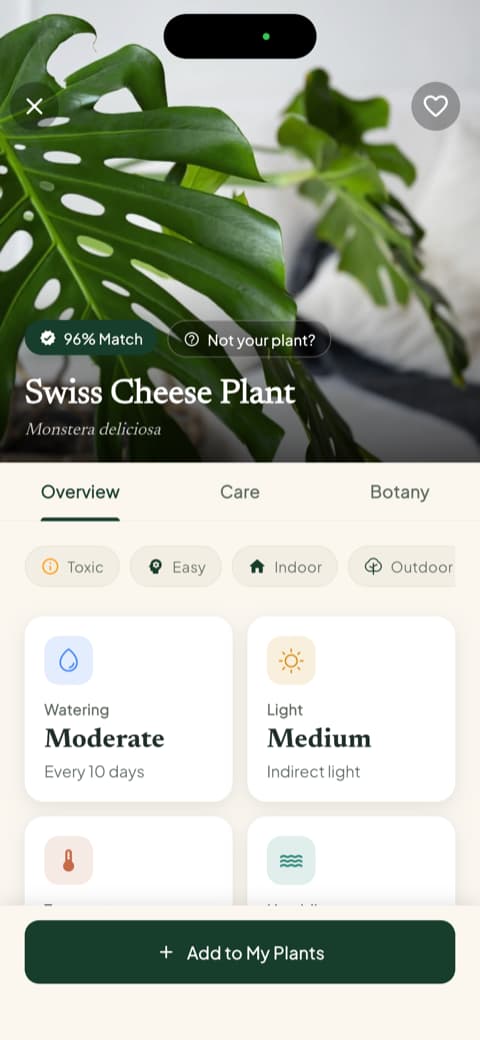
What sets it apart is what happens after the name pops up. Every plant you add gets a health score and a recommended amount of water, calculated for your specific plant, pot, and spot in the house, right down to the milliliter.
A care schedule keeps track of what needs attention today and what can wait, so you're never guessing. Bloom also tells you upfront whether a plant is safe around cats, dogs, and children, which is the kind of detail most apps bury.
The whole thing is guided by Pip, a friendly little sprout who makes the app feel less like a manual and more like a neighbor who happens to be great with plants. Bloom holds a 4.8-star rating from its community, and it works well for just about anyone with a plant at home.
2. PictureThis: Best for the biggest plant database
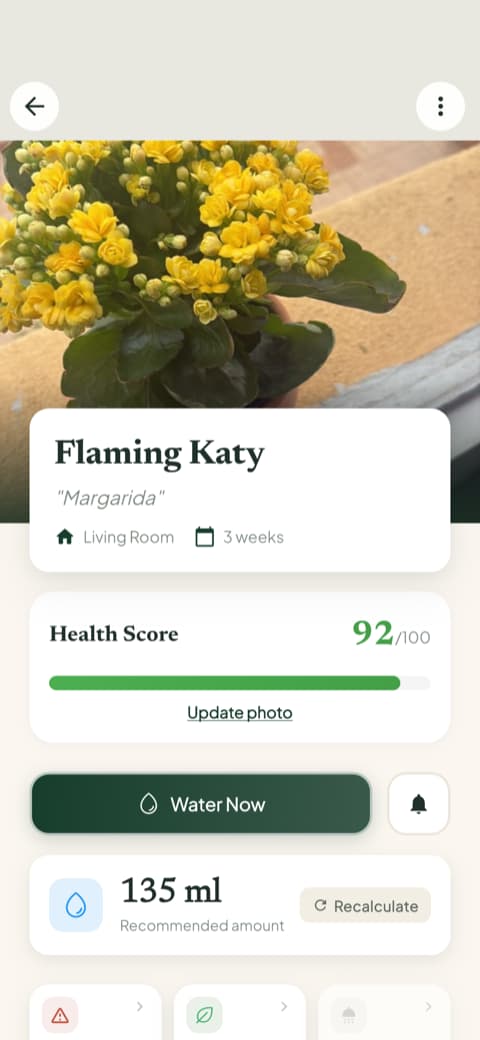
Few apps hold as many plants as PictureThis. Its database is one of the largest and most respected anywhere, and that reputation was earned honestly. Identification is accurate, and the accuracy claims come with references to university research. It also teaches you how to take clearer pictures of your plants, which improves what you get back. An encyclopedia for your pocket, if that appeals.
3. Planta: Best for a premium, polished experience
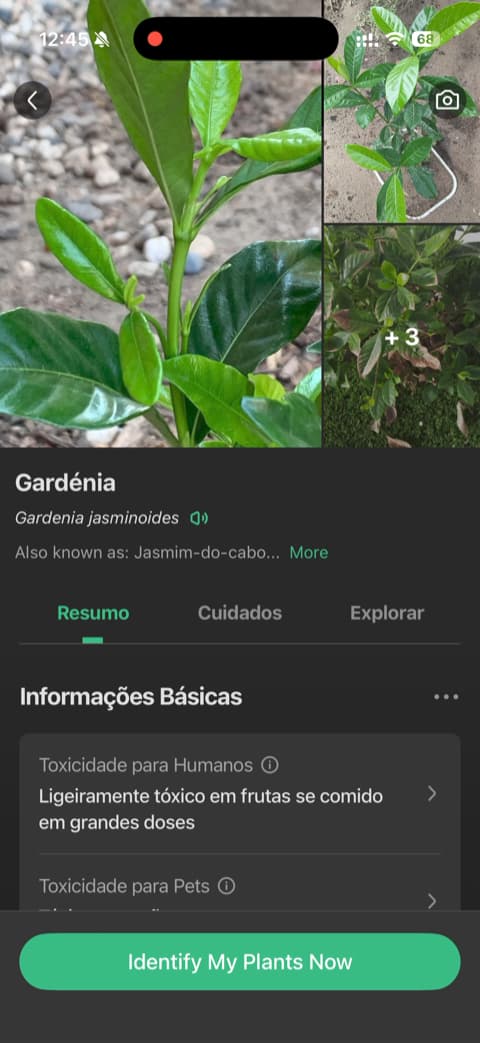
Planta feels genuinely high-end from the first tap. The photography is beautiful, the layout is clean, and the setup asks about your space and your experience level before making a single recommendation. Little touches, like a slider for how far your plant sits from the window, make it feel precise and personal. A lovely pick for people who care about design and want an app as considered as the plants themselves.
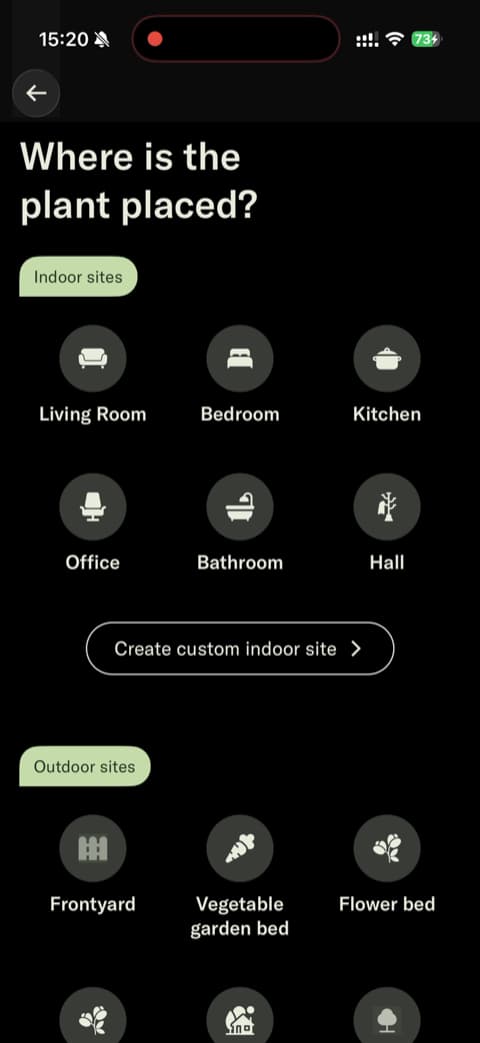
4. Blossom: Best for learning as you go
Anyone who feels like they keep killing their plants will recognize themselves in Blossom's writing, and it lands because that's most of us. The app leans into video and rich visuals to teach, and it lets you set up a plant and see its care information before asking anything of you. Good for learning in short bursts rather than dense text.
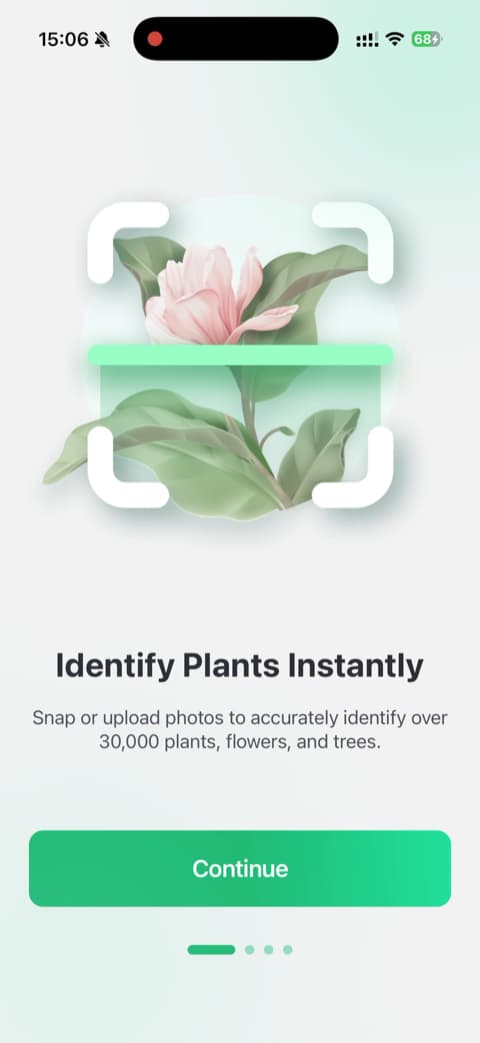
5. PlantIn: Best for a guided walkthrough
Some people want to understand an app completely before they lean on it. PlantIn is built for them. It walks through its features one at a time and includes an interactive demo that shows identification working before you commit to anything. It's transparent and clear at every stage, a solid choice if you like structure.
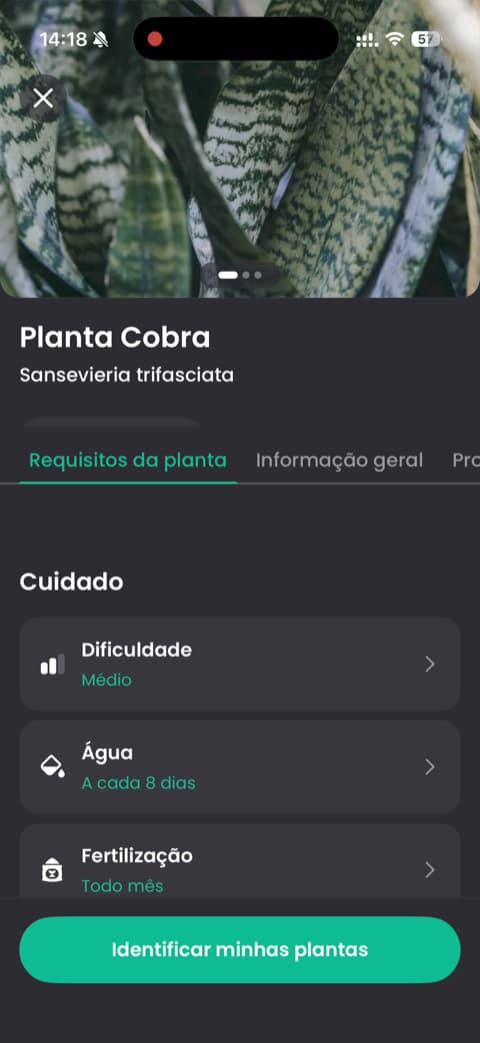
6. Greg: Best for smart watering on autopilot
Greg treats plant care like autopilot. It combines your plant species with your local environment to build watering schedules for you, so you spend less time working out timing and more time enjoying your plants. Its setup focuses on the outcome, growing healthy plants, rather than throwing a feature list at you, and it uses real user reviews to show what's possible. Great for anyone who wants the app to do the thinking.
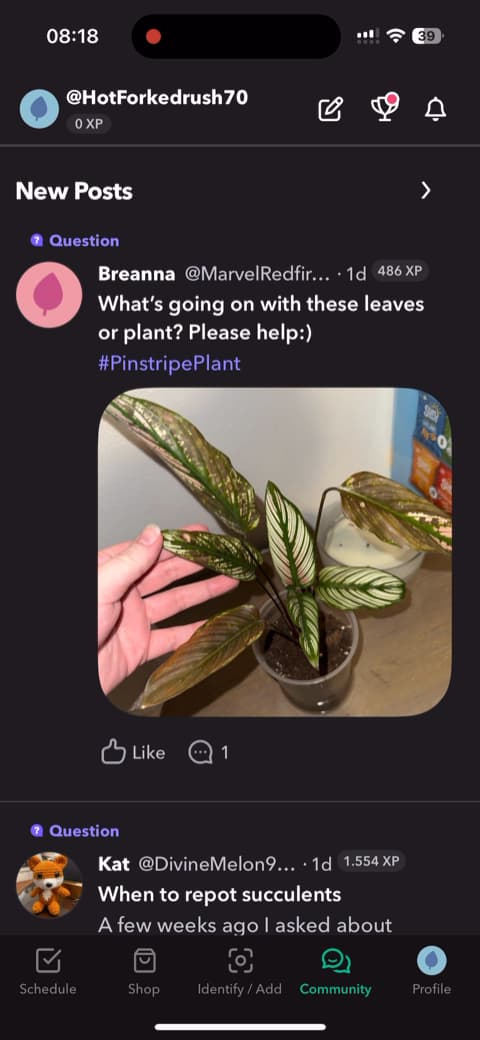
7. PlantSnap: Best for quick guest identification
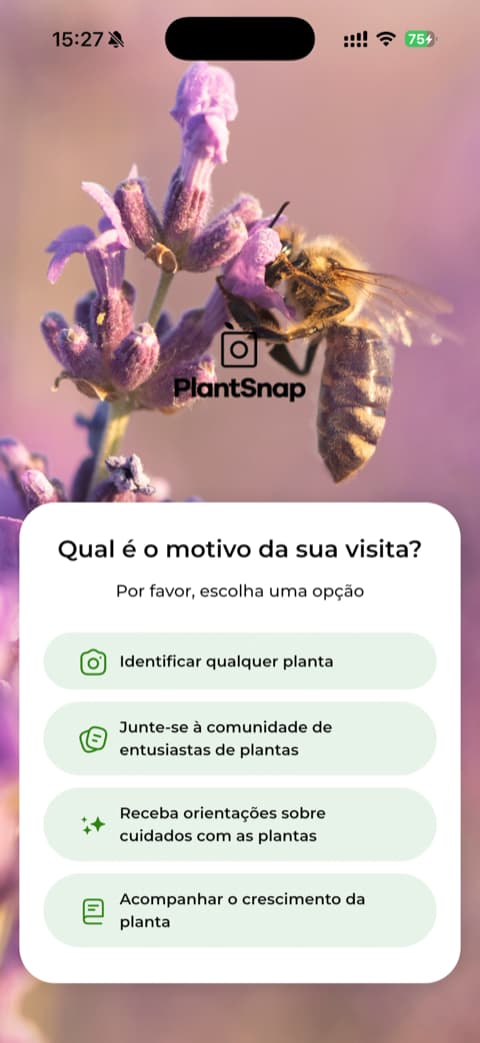
You spotted a nice leaf on a walk and you want the name right now, without signing up for anything. That's the PlantSnap moment. It lets you skip account creation and use it as a guest, so you point, shoot, and get an answer in seconds. It also asks what you came for, which tailors things a little.
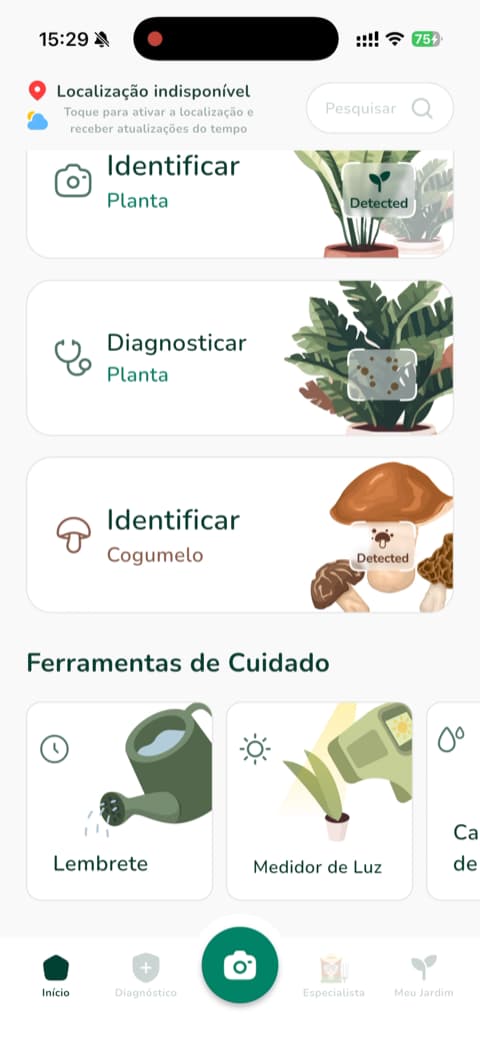
8. Plantum: Best for a feature-rich toolkit
A water calculator, a light meter, care reminders. Plantum packs a genuinely useful set of tools and presents all of it with clean, high-quality visuals. It greets you by name and keeps its features easy to find. If you like having a range of tools at hand, they are all in one place here.
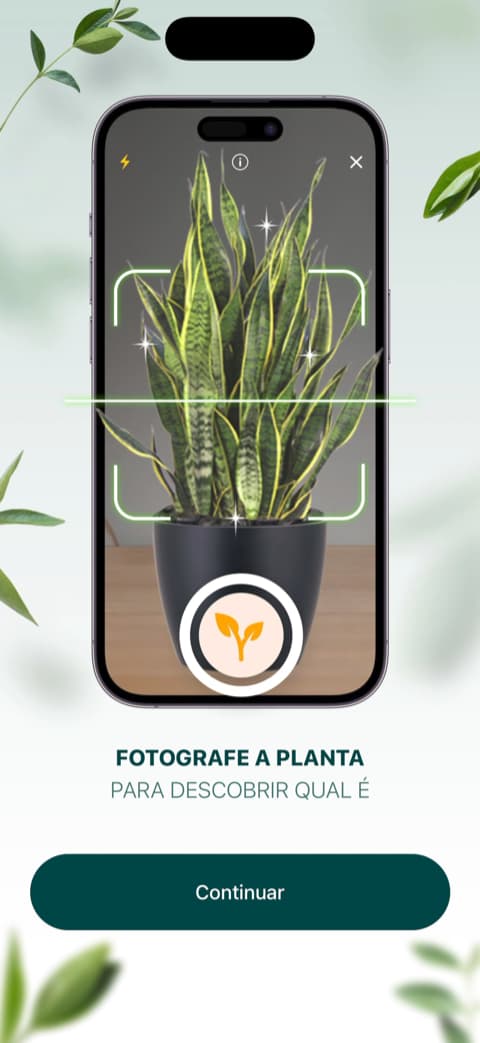
9. LeafSnap: Best for straightforward identification
Name the plant, done. LeafSnap doesn't try to be everything, and that's the appeal. The path from opening the app to getting an identification is short and direct, and the welcome screen leans on a large and happy user base. When you just want the plant's name, it gets you there.

10. Plantify: Best for a personalized setup
Plantify starts by getting to know you. Its survey-based setup sorts you by experience level and goals, then reinforces its recommendations with testimonials and visual feedback as you go. The result feels tailored to where you are as a plant owner.
11. PlantApp: Best for trying before you have a plant
You can watch the identification technology work without a real plant in front of you, and that's PlantApp's cleverest trick. It suits a rainy day or a late-night browse. The app also explains why it wants things like notifications before it asks, and its step-by-step scan animation makes the process feel trustworthy.
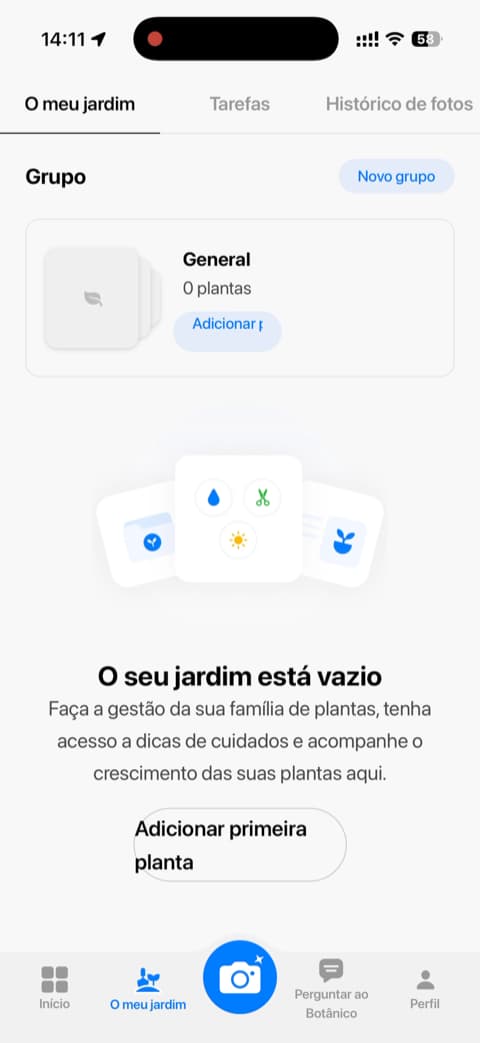
12. PlantAI: Best for a no-frills identifier
No extras, no decoration. PlantAI gets you to identification and diagnosis quickly and lays out plainly what it offers, what it identifies, how it diagnoses, and the size of its database. You know exactly what you're getting.
How to choose
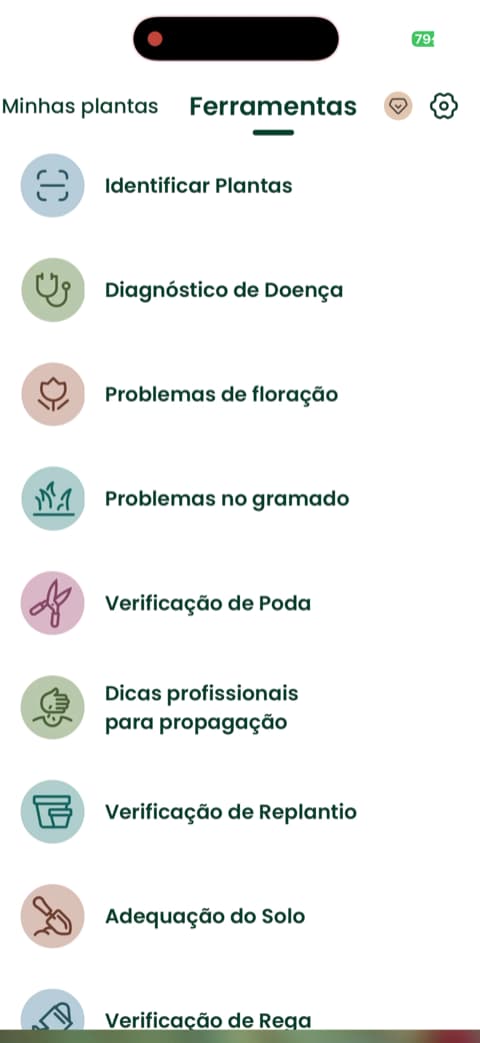
Start with how you actually live with your plants. If you mostly want to name things and browse a huge reference, an identification-first app like PictureThis or LeafSnap will make you happy. If you want to remember to water and keep things alive, look for an app built around care and reminders.
If you want both the naming and the keeping-alive in one place, without it feeling like homework, that's where Bloom shines. It identifies fast, tells you exactly how to care for what you found, flags whether it's safe for your pets and kids, and gently nudges you when it's time to water. For most people with a plant or two at home, it's the one that covers the whole job.
Download Bloom and identify your first plant in seconds. Pip is waiting.
Related articles

The 5 Best Apps to Remember to Water Your Plants
Always forgetting to water your plants? Here are the 5 best apps that remember for you, tested for smart reminders that actually fit your routine.

The 6 Best Plant Apps for Beginners
New to plants and worried you'll kill them? Here are the six best plant apps for beginners, tested for how easy they make identifying and caring for your first plants.

The 7 Best Apps for People Who Always Kill Their Plants
If your plants keep dying no matter how hard you try, these 7 apps were made for you. Here are the ones that actually help keep a plant alive.