The 10 Best Plant Apps for iPhone
The best plant apps for iPhone, tested and ranked. Identify any plant, keep it alive, and find the one that fits your home and your routine.
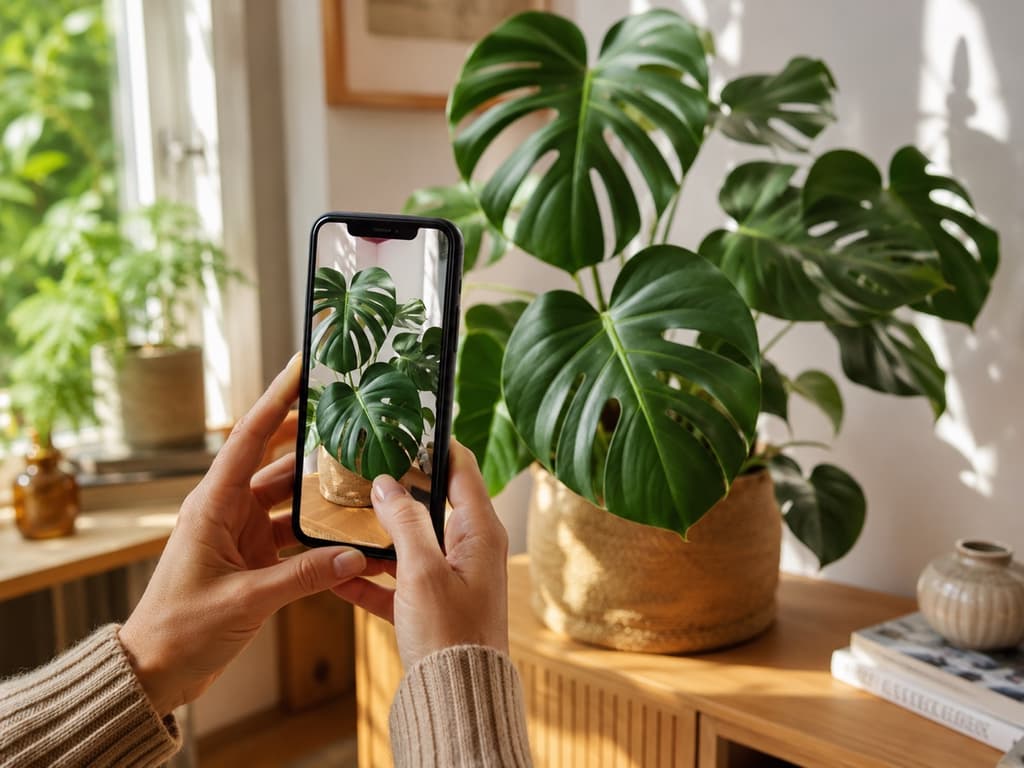
Your iPhone already goes everywhere your plants do. It is in your hand on the walk home from the nursery, on the windowsill while you check the soil, and on the couch when a leaf starts turning a color you cannot name. So it makes sense to want a plant app that feels at home there, one that opens fast, looks clean, and just works when you point the camera.
The trouble is the App Store is crowded. Search "plant" and you get a wall of green icons, all promising to identify anything and save every leaf you own. Some are genuinely lovely. Some bury the one thing you came for under screen after screen. Figuring out which is which usually costs you an afternoon.
So we did that part for you. Here are the ten plant apps worth keeping on your iPhone, what each one is best at, and who it fits.
We spent real time with each app on an iPhone, looking at how well they identify plants, how helpful they are once the plant is named, and how pleasant they are to actually use. The small things counted too, like how fast each one opens and how easily you find the tool you came for. What really matters is whether an app still feels good on the tenth visit, not just the first. Here is where each one landed on this list.
1. Bloom: Best overall for iPhone
Bloom feels like it was made for the phone in your hand. You open it, tap the camera, and a friendly little sprout named Pip gets to work. A few seconds later you have your answer, along with everything you need to keep the plant happy. It recognizes over 35,000 species and gets the identification right about nine times out of ten, an accuracy rate that has been checked by independent research rather than marketing.
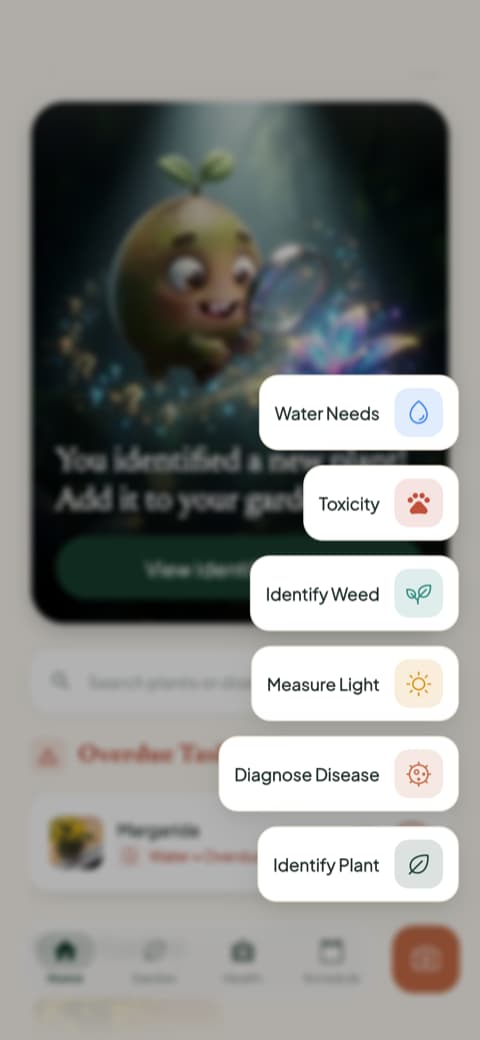
What makes it the pick for iPhone is how much it does without ever feeling heavy. From the home screen you can diagnose a sick plant from a photo, measure the light in any corner of a room, or check whether a plant is safe around cats, dogs, and children. You also get a watering amount in milliliters, calculated for your exact plant and pot. Each plant you save gets a health score and a care schedule, so a single glance tells you what needs water today and what can wait.
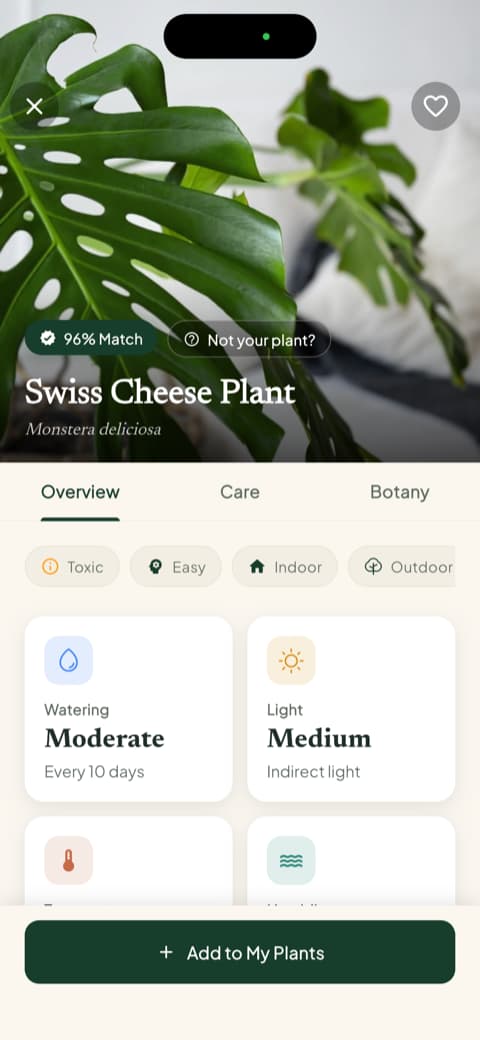
It also happens to be a pleasure to look at, which counts when you reach for it every day. Bloom holds a 4.8 rating from its community, and it is the app most people will want on their home screen.
2. PictureThis: Best for the biggest plant database
PictureThis is one of the most recognized plant apps in the world, and its reputation for accuracy is well earned. It leans on real authority, citing university research to back up its identification claims, and it teaches you how to take better photos along the way. If you want the largest possible library to search through and enjoy exploring a big, full-featured app, this is the one to reach for.
3. Planta: Best for a premium care routine
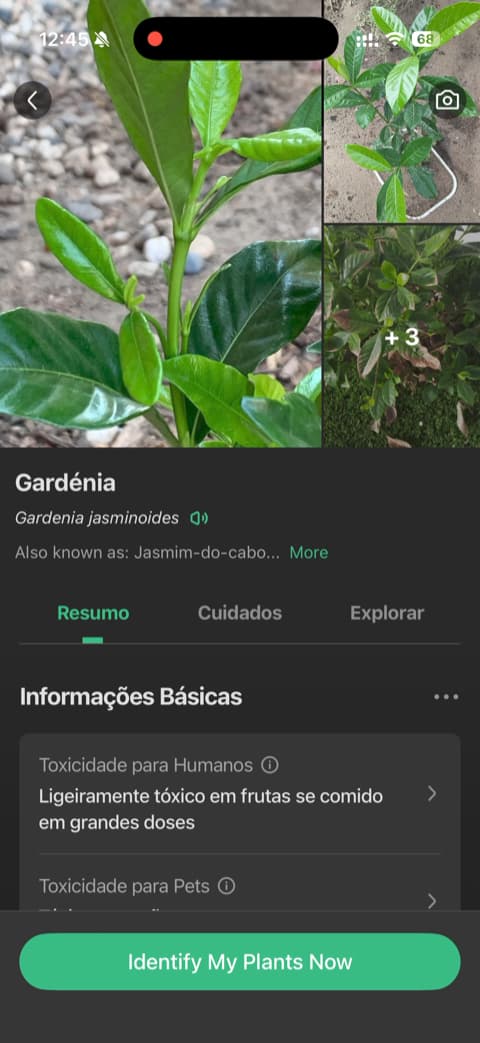
Few apps ask as many questions up front as Planta does, and few make it feel this worthwhile. It wants to know about your space and your skill level, then builds a care plan around your answers. The whole thing looks polished enough to feel premium. A clever slider for how far a plant sits from your window adds a sense of precision, and the app explains why it needs things like location and notifications before asking. Structure and a beautiful layout, in the same place.
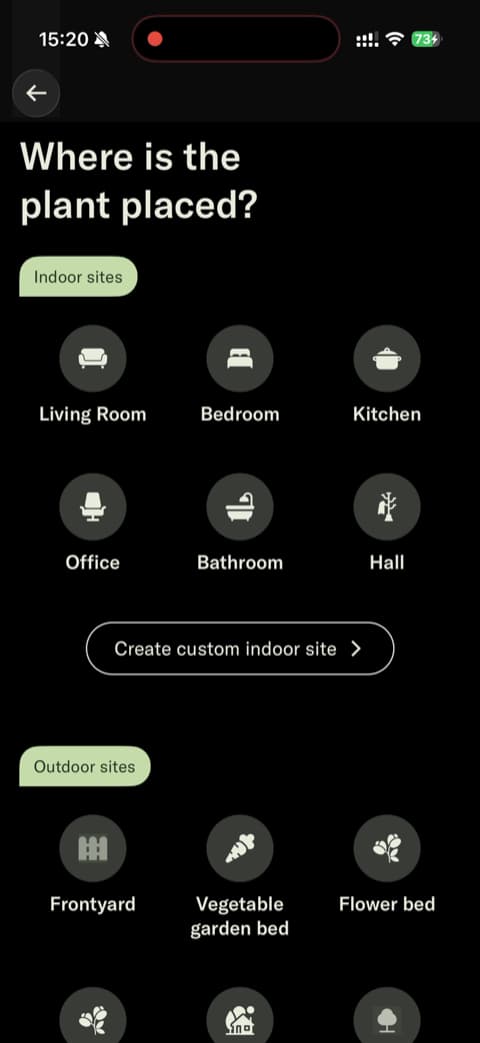
4. Blossom: Best for a value-first start
You get to do something useful here before anything is asked of you. Blossom walks you through setting up your first plant and seeing its care info, so the payoff comes before the sign-up. The intro animations and plant photography are genuinely high-end, and the copywriting speaks straight to the heart of anyone tired of watching plants fade. It is a warm, polished place to begin.
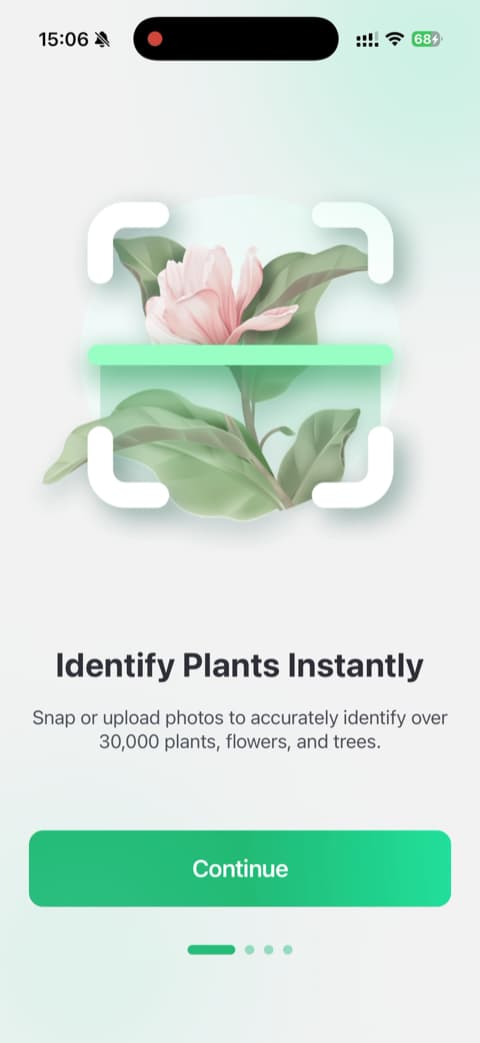
5. PlantIn: Best for a guided demo
Most apps tell you what they can do. PlantIn shows you. Early on it runs an interactive demo that walks you through identifying a plant step by step, so the core feature clicks immediately. It is upfront about how things work, and a simple before-and-after graphic gives you a clear picture of where your plants could end up. Seeing a feature work before you commit to it is the whole idea.
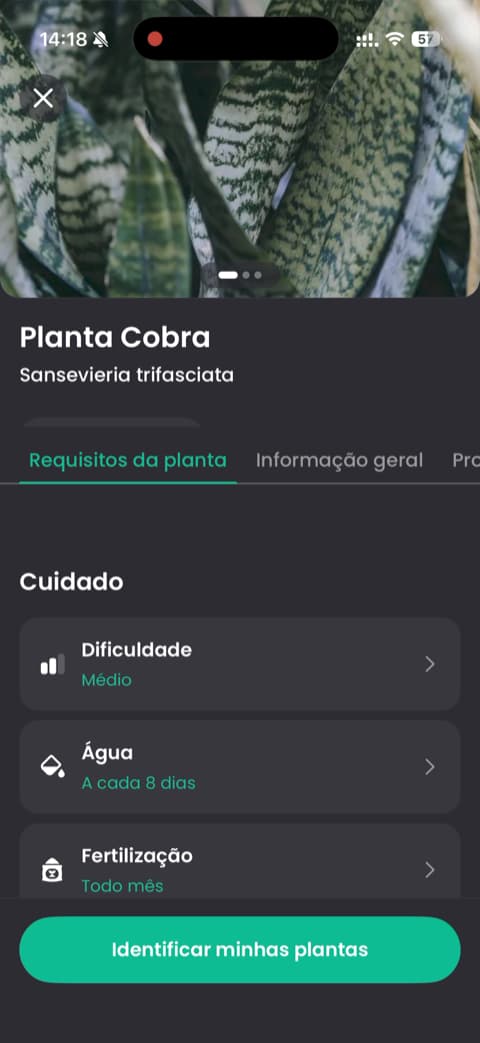
6. Greg: Best for smart watering schedules
Greg treats plant care like autopilot. It uses your plant's species and your local weather to figure out when to water, so the schedule adjusts to your actual conditions instead of a generic calendar. It explains why it needs your location, weather data for smarter timing, and its opening screens focuses on outcomes like keeping plants alive rather than a list of features. There is a community side too, full of people cheering each other's plants back to health.
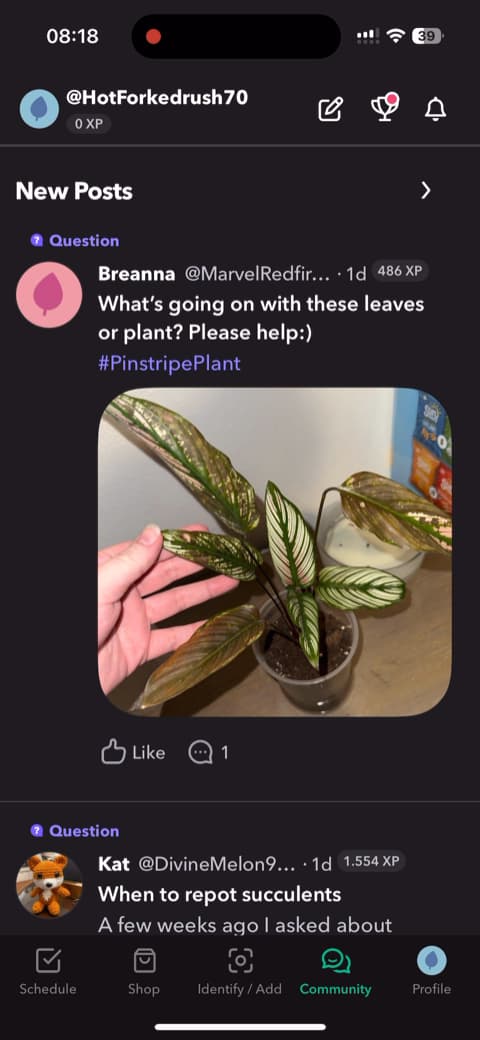
7. PlantSnap: Best for guest browsing
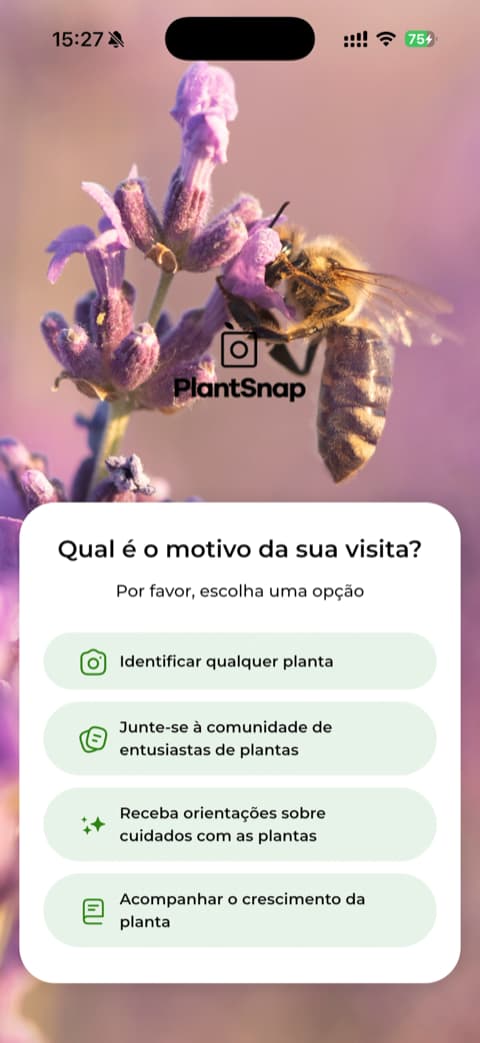
No account, no email, no wall. You can skip the login on PlantSnap and start using it as a guest, which is rarer than it should be. It is a long-standing name in plant identification, and it asks why you are there so it can tailor what you see. The identification screens explain clearly what you are getting. For anyone who likes to poke around before committing to anything, this one lets you in the door.
8. LeafSnap: Best for a straightforward ID
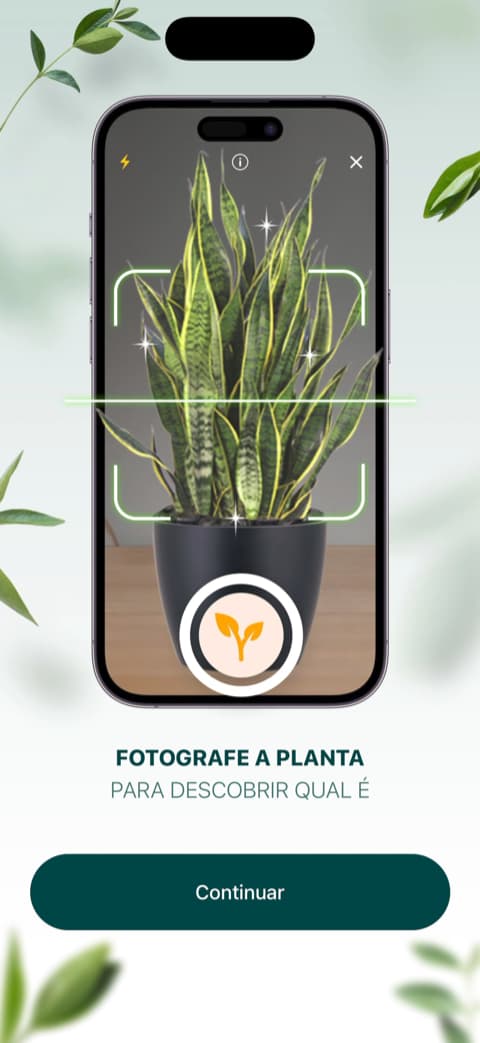
LeafSnap keeps things simple and focused on the one job most people want: naming a plant from a photo. It leans on a large, happy user base to build trust, and the layout gets you to a result without a lot of detours. If identification is really all you are after, LeafSnap does that cleanly.

9. Plantum: Best for a polished feature set
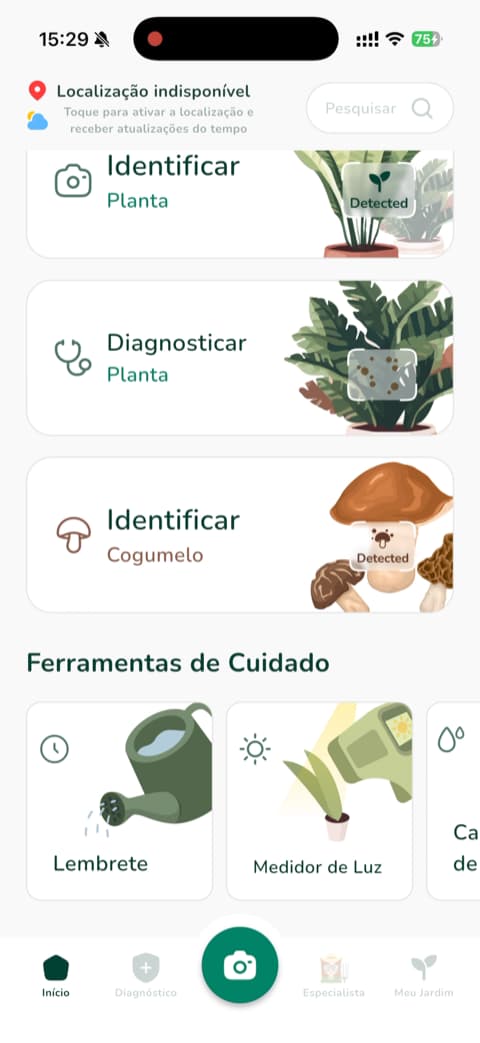
The home screen greets you by name, and everything on it looks designed rather than assembled. Plantum leads with identification, care guides, and reminders, and its high-quality visuals show off tools like a water calculator and a light meter. Nothing good is hidden away. For anyone who appreciates a well-made app that puts its best features on display, Plantum looks the part.
10. Plantify: Best for a tailored setup
Plantify starts by getting to know you. A survey-based flow sorts you by experience level and goals, then gives you visual feedback as you go, checkmarks and animations that make the setup feel responsive. It leans on testimonials and user counts throughout, and it lets you test the basics before deciding. If you like an app that shapes itself around your answers, Plantify is a comfortable fit.
How to choose the one for you
Start with what you actually reach for your phone to do. If you mostly want to name a plant and move on, an identification-first app like PictureThis or LeafSnap will serve you well. If watering is your weak spot, Greg builds its whole schedule around timing. And if you want one app that does all of it, identify, diagnose, water right, and stay a joy to open every day, Bloom is the one that fits the iPhone in your pocket and the plants on your sill.
Download Bloom and identify your first plant in seconds. Pip is waiting.
Related articles

The 5 Best Apps to Remember to Water Your Plants
Always forgetting to water your plants? Here are the 5 best apps that remember for you, tested for smart reminders that actually fit your routine.

The 6 Best Plant Apps for Beginners
New to plants and worried you'll kill them? Here are the six best plant apps for beginners, tested for how easy they make identifying and caring for your first plants.

The 7 Best Apps for People Who Always Kill Their Plants
If your plants keep dying no matter how hard you try, these 7 apps were made for you. Here are the ones that actually help keep a plant alive.