The 8 Best Apps for Indoor Plant Lovers
Growing plants indoors comes with its own quirks, from tricky light to easy overwatering. Here are the 8 best plant apps to help your indoor jungle thrive.
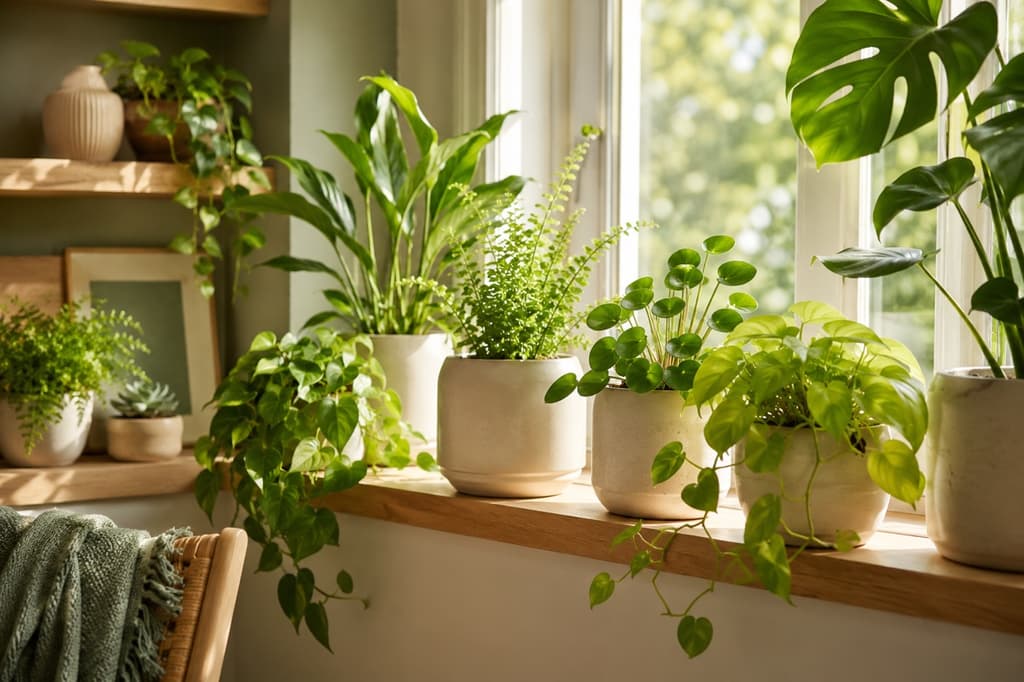
Growing plants indoors is a little different from gardening outside, and anyone who has watched a fiddle leaf fig sulk in a dim living room knows it. The light is never quite what the plant wants, and the air runs dry from the heating. It is also far too easy to love a plant to death with one watering too many. Indoors, the margins are thinner, and small mistakes show up fast.
The good news is that your phone can do a lot of the thinking for you. The right app will tell you what that mystery plant on your shelf actually is, how much light your north-facing window really gives, and how often that pot by the radiator needs a drink. Suddenly a room full of green feels a lot less like guesswork.
There are dozens of plant apps out there, though, and they are not all built with the indoor grower in mind. Some are made for hikers cataloguing wildflowers, others for gardeners with a backyard full of sun. Indoor life asks different questions. How much light does a spot three feet from the window really get? Is this pot drying out faster because it sits above a heating vent? So we spent time inside these apps. We looked at how well they identify common houseplants, how clearly they explain light and watering, and how they hold up in everyday use. Here are the eight we think indoor plant lovers will get the most out of.
1. Bloom: Best for indoor plants
If most of your plants live on windowsills, shelves, and side tables, Bloom feels like it was built with your home in mind. It starts by identifying whatever you point your camera at, recognizing over 35,000 species and getting the answer right about 9 times out of 10. That accuracy rate is backed by independent research rather than marketing. From there it turns into a proper companion, guided by Pip, a friendly little sprout who makes the whole thing feel calm instead of clinical.
What sets Bloom apart indoors is how seriously it takes the two things houseplants struggle with most: light and water. You can measure the light in any corner of a room before you decide where a plant should go, and every plant gets a watering amount calculated down to the milliliter for its specific pot and spot. There is also a health score, a care schedule that keeps track of what needs attention, and a photo diagnosis tool for when a leaf starts looking off.
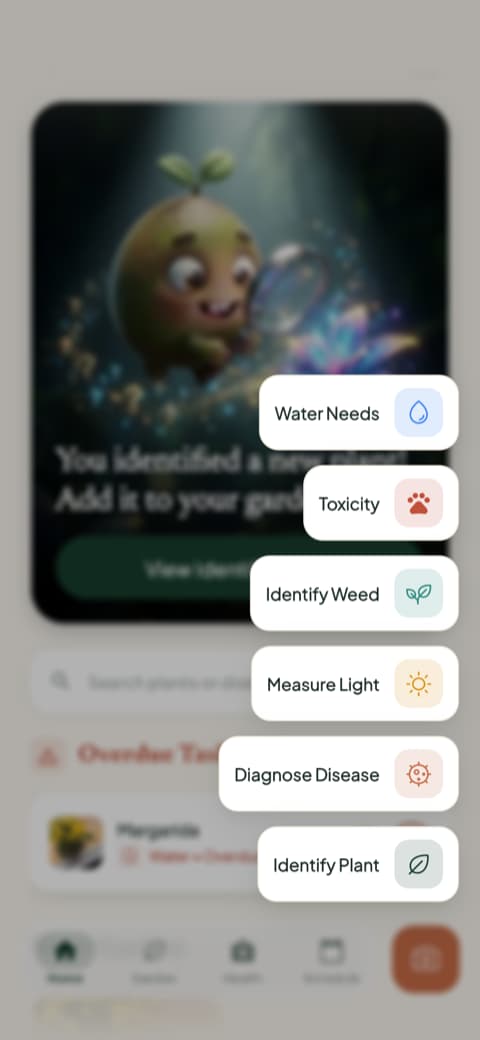
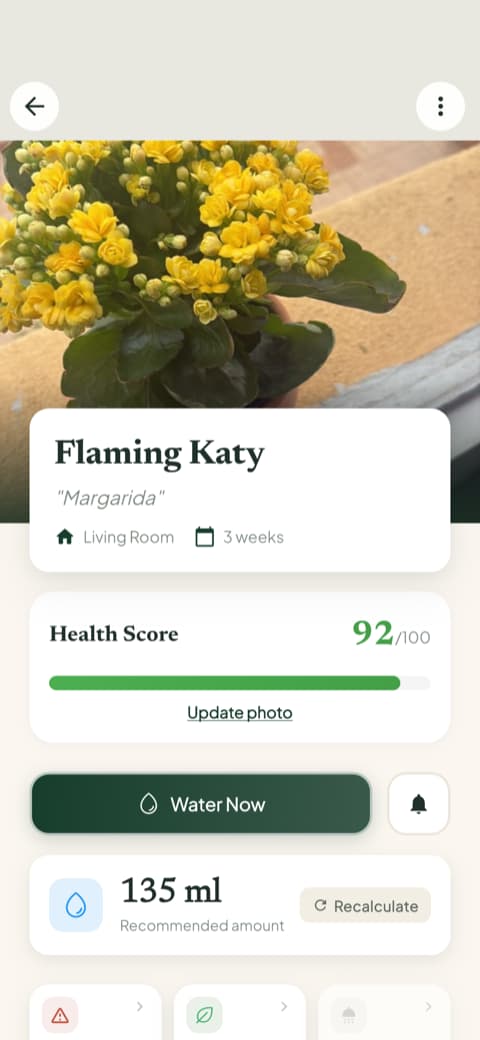
What makes all of this click indoors is that Bloom keeps it in one place and in plain language. You are not cross-referencing a light chart against a watering guide against a calendar. You open the app, and it already knows that the pothos on the bookshelf is due for water and the calathea by the window is getting a little too much afternoon sun. With a 4.8-star rating from its community, Bloom is a strong choice for anyone building a little jungle inside their home.
2. Planta: Best for a detailed care routine
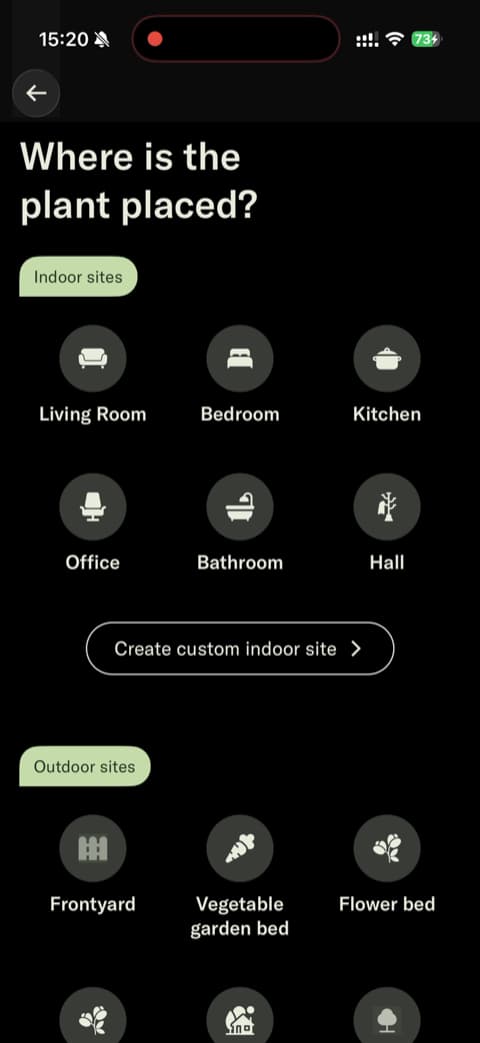
Planta is a polished, thorough care companion, and it earns its reputation. Its opening screens walks you through a detailed quiz about your skill level and your plant's environment, then uses that to build a care routine tailored to you. A neat interactive slider sets how far your plant sits from a window, which adds a real sense of precision. That matters a lot indoors, where light drops off fast a few steps from the glass. If you like a structured, high-quality routine to follow, Planta is a strong pick.
3. Blossom: Best for a value-first start
Blossom leads with beautiful visuals and a friendly, encouraging tone. It lets you set up your first plant and see its care information before asking anything of you, so you get value right away. The copywriting speaks directly to the anxious plant owner, and the intro animations and photography give it a genuinely premium feel. It is a welcoming choice for someone who wants care guidance without a steep learning curve.
4. PictureThis: Best for a big plant database
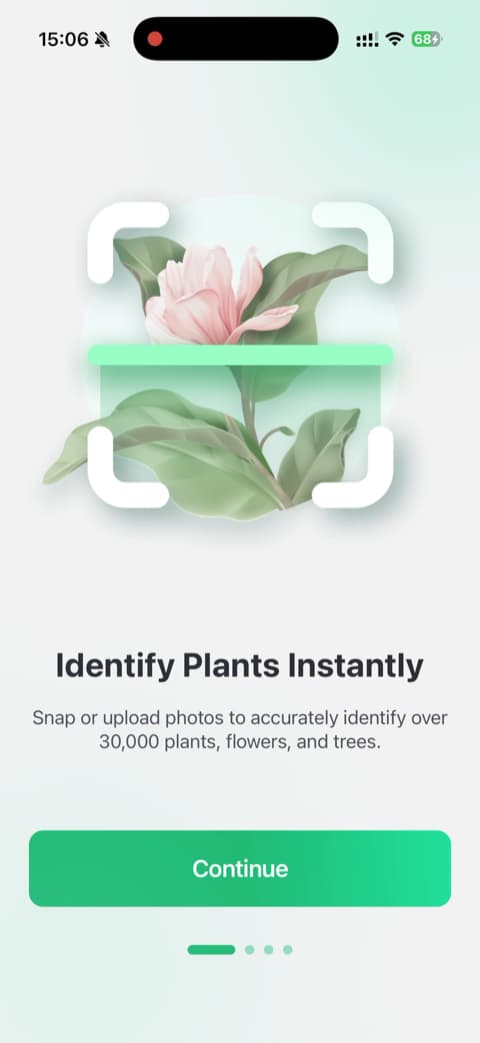
PictureThis is one of the most popular plant identification apps in the world, and it earned that spot honestly. It backs up its accuracy with a specific university study rather than vague claims, and its huge database means it rarely leaves you guessing on an unusual houseplant. For pure identification, no other app on this list carries a reference library that deep.
5. PlantIn: Best for an interactive intro
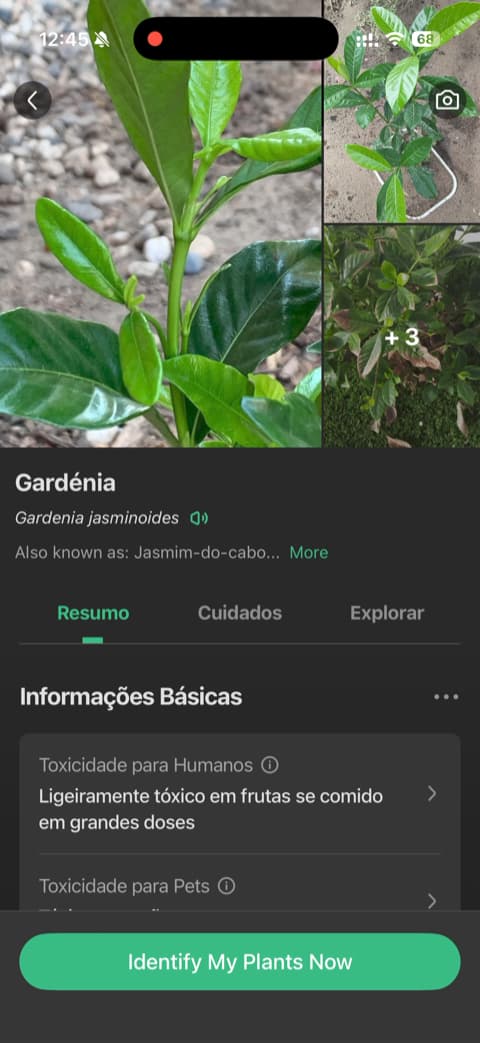
You see the core feature work before you have even added a plant of your own. PlantIn opens with a clever interactive demo that simulates identifying a snake plant. It is also upfront about how its trial and subscription terms work, which is a nice touch for anyone who wants to understand an app before committing to it.
6. Greg: Best for hands-off watering
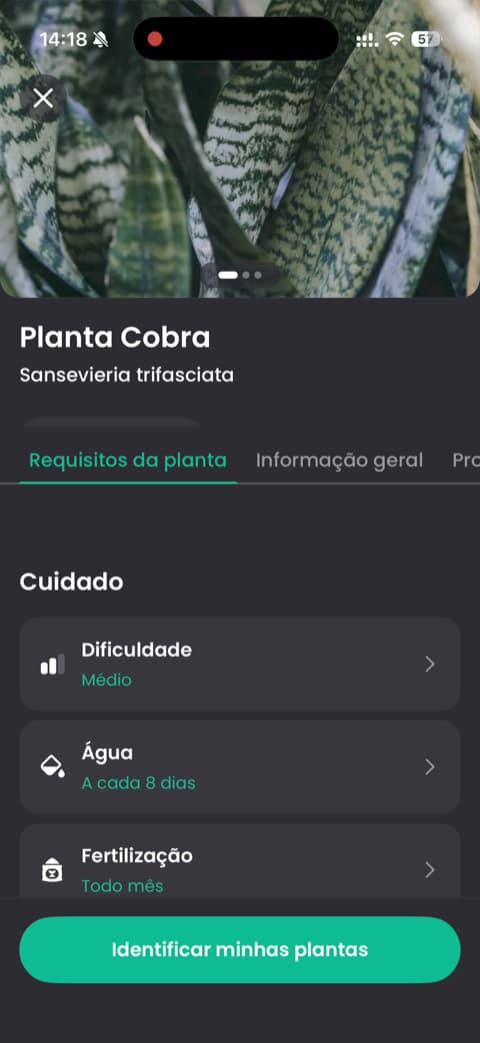
Greg calls itself an autopilot for plant parenting, and that is a fair description. It uses your plant species and local environment to work out watering schedules, so you can lean on it rather than tracking everything yourself. The opening screens focus on outcomes like growing healthy plants. Its community reviews are full of relieved people whose plants are, against the odds, still alive. If you want the app to do the remembering, Greg is built for that.
7. Plantum: Best for polished feature tools
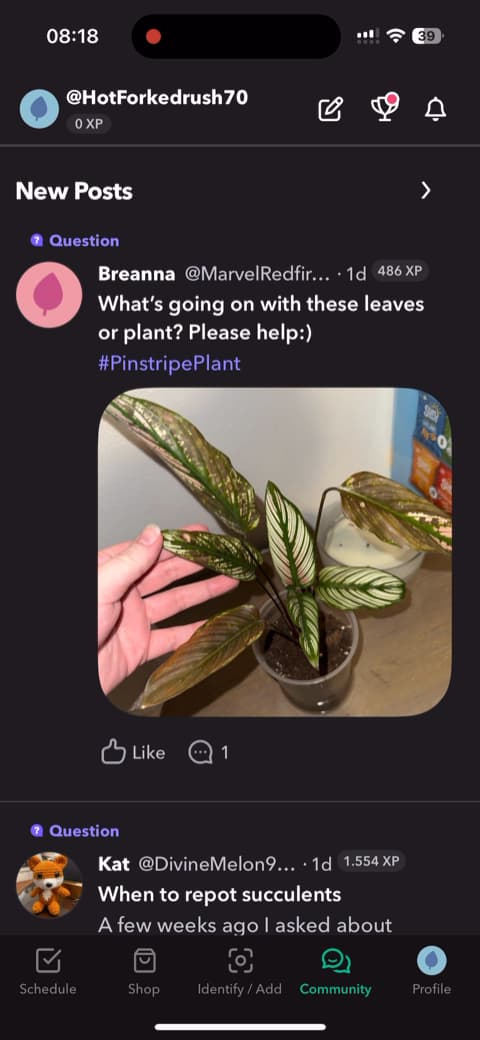
Plantum is a polished identification and care app with clear, high-quality visuals demonstrating features like its water calculator and light meter, both genuinely useful indoors. It leans on personalization, greeting you by name on the home screen, and presents its features cleanly and attractively. Good looking, with practical tools for measuring what houseplants need, it delivers what it promises.
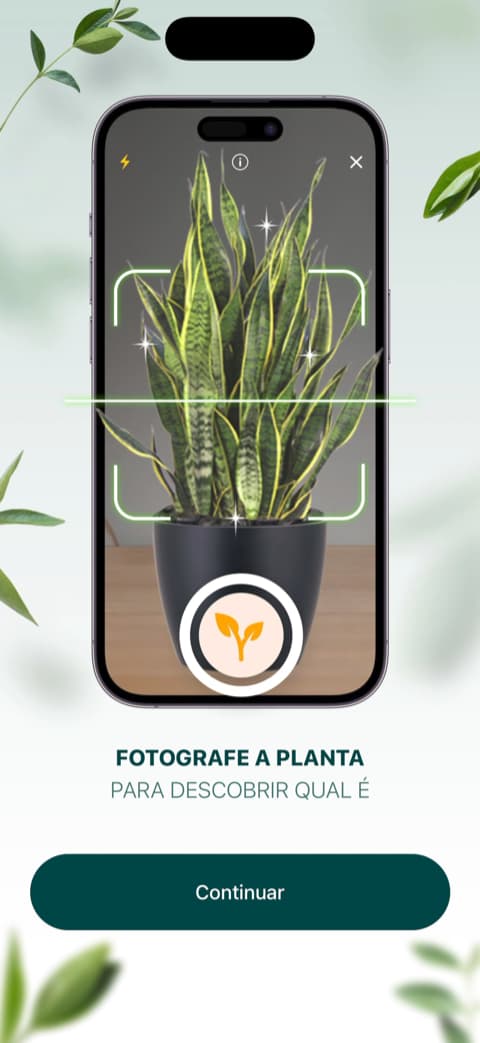
8. PlantApp: Best for a quick, streamlined start
PlantApp keeps things streamlined and gets you to value fast. Its standout is a demo plant feature that shows the identification technology at work with an example, no real plant needed in front of you. Handy if you are exploring the app before your new fern arrives. A step-by-step scan animation that shows the AI analyzing an image builds confidence in the result. It is a good fit for anyone who wants identification and care guides without a lot of setup.
How to choose
Indoors, the two things that make or break a plant are light and water, so lean toward an app that helps you get both right. If you love reading up on every species and want the deepest reference library, PictureThis will keep you happy. If you want a structured routine to follow, Planta and Greg both shine.
And if you want one app that measures the light in a room, calculates watering for your specific pots, and keeps the whole routine calm and organized in one place, Bloom is the natural home for an indoor collection. Whichever you pick, the goal is the same: less guessing, and more thriving plants on your shelves.
Download Bloom and give every plant in your home the light and water it actually needs.
Related articles

The 5 Best Apps to Remember to Water Your Plants
Always forgetting to water your plants? Here are the 5 best apps that remember for you, tested for smart reminders that actually fit your routine.

The 6 Best Plant Apps for Beginners
New to plants and worried you'll kill them? Here are the six best plant apps for beginners, tested for how easy they make identifying and caring for your first plants.

The 7 Best Apps for People Who Always Kill Their Plants
If your plants keep dying no matter how hard you try, these 7 apps were made for you. Here are the ones that actually help keep a plant alive.