The 6 Best Apps to Diagnose Sick Plants
Yellow leaves, brown spots, drooping stems? These are the 6 best apps to figure out what is wrong with your plant and how to fix it, tested and ranked.
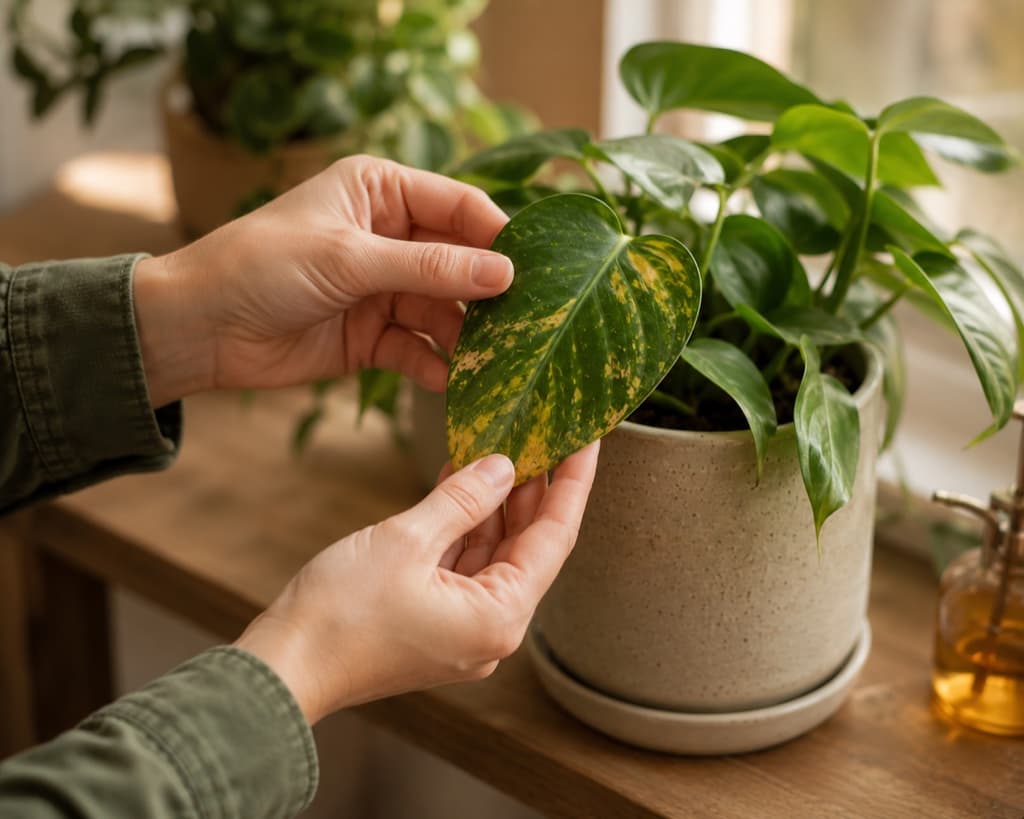
You walk past your favorite plant one morning and something is off. The leaves are yellowing at the edges. There are strange brown spots that were not there last week. A stem that used to stand tall is now drooping like it gave up overnight. And you have no idea what happened.
That helpless feeling is one of the most common reasons people reach for a plant app. You do not want a botany lecture. You want someone to look at the photo, tell you what is going wrong, and explain how to save it before it is too late.
And the clock does matter. A plant problem rarely stays still. Root rot spreads, pests multiply, and a mild case of leaf spot can take over a whole plant in a week if you guess wrong about the cause. The sooner you understand what you are dealing with, the better your chances of turning things around. That is exactly why the right app can be the difference between a scare and a loss.
The tricky part is that most plant apps are built to identify healthy plants, not to figure out what is killing a sick one. Snapping a photo of a glossy, thriving leaf is easy. Reading the story behind a spotted, curling, half-brown one is a much harder job, and plenty of apps simply are not set up for it.
So we went looking for the ones that actually help when your plant is in trouble, and the good ones stood well apart from the rest. Here are the six that made the cut.
We spent real time inside each app, sending photos of struggling plants and checking how clearly each one explained the problem. Vague advice did not count for much. What we wanted was concrete steps, a diagnosis within quick reach, and some help spotting trouble before it spread. We also noticed which apps treat you as someone anxious rather than curious. Ease of use mattered too, because a worried plant parent does not want to dig through menus while a favorite leaf keeps yellowing.
1. Bloom: Best for diagnosing sick plants
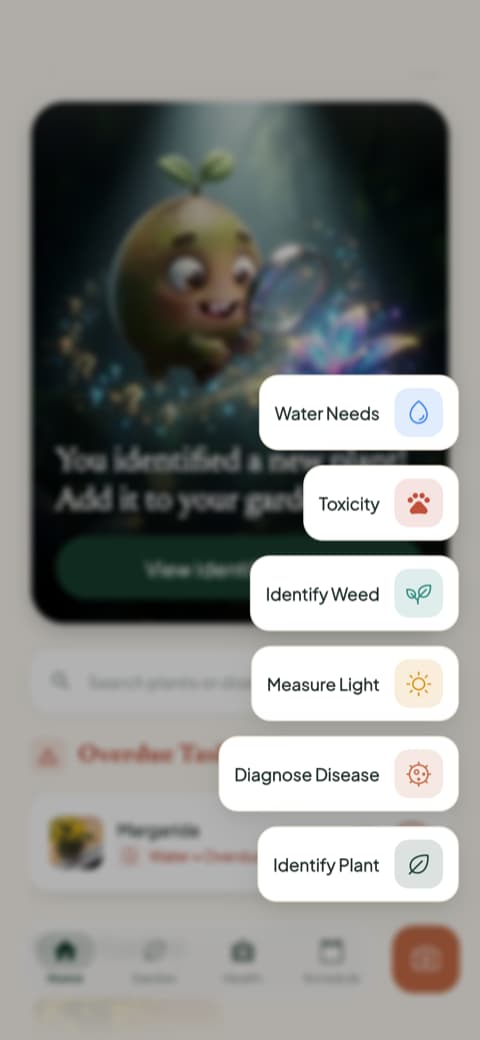
When a plant starts looking rough, Bloom is the app we kept coming back to. You snap a photo of the trouble spot, whether it is a yellowing leaf, a patch that looks wrong, or a stem that has lost its strength. Bloom's diagnosis tool reads the symptoms, tells you what is likely going on, and walks you through what to do next in plain language. No jargon, no guessing, just a clear answer at the exact moment you are worried and want to act.
What makes Bloom especially good for this is that diagnosis is not tucked away in a corner. Every core tool sits one tap from the home screen, so when you spot a problem you are not hunting through menus to find help.
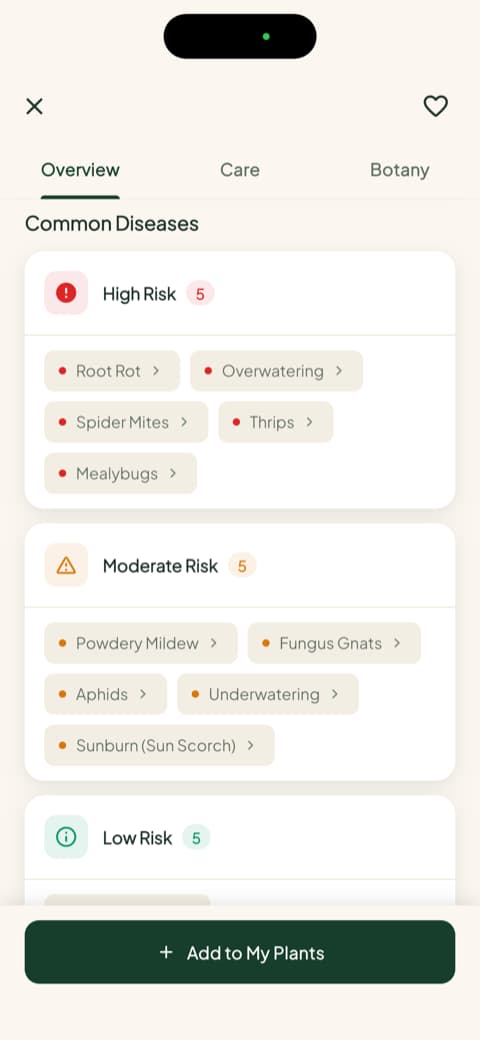
Bloom also thinks ahead. For every plant you save, it maps out the specific diseases that plant is prone to, sorted by risk level, so you know what to watch for before a single leaf turns yellow. Catching a problem early is often the difference between a quick fix and a lost plant.
Behind the friendly face of Pip, the app's little sprout mascot, sits real capability. Bloom recognizes over 35,000 species and identifies them correctly about 9 times out of 10, an accuracy rate confirmed by independent research rather than just our own enthusiasm. That same engine is what powers a diagnosis you can trust, and the community rates the app 4.8 stars.
It helps that everything is written for a real person, not a botanist. Once Bloom tells you what is wrong, it explains the fix in plain steps you can actually follow, and it keeps the plant on a care schedule afterward so the same problem is less likely to come back. Getting an answer is only half the battle when your plant is sick. Knowing what to do next, and being reminded to keep doing it, is what actually brings a plant back.
2. PictureThis: Best for a deep plant library
PictureThis has earned its reputation as one of the most accurate identification apps around, and that depth carries over to its plant knowledge. It leans on specific university research, citing Michigan State, to back up its accuracy claims. That gives its guidance more weight than the usual marketing copy. The database is large and well documented, so when you are trying to picture what a healthy version of your plant should look like, there is plenty to draw on. For anyone who likes comparing what they see against a deep library, there is a lot here.
3. Planta: Best for turning a diagnosis into a care routine
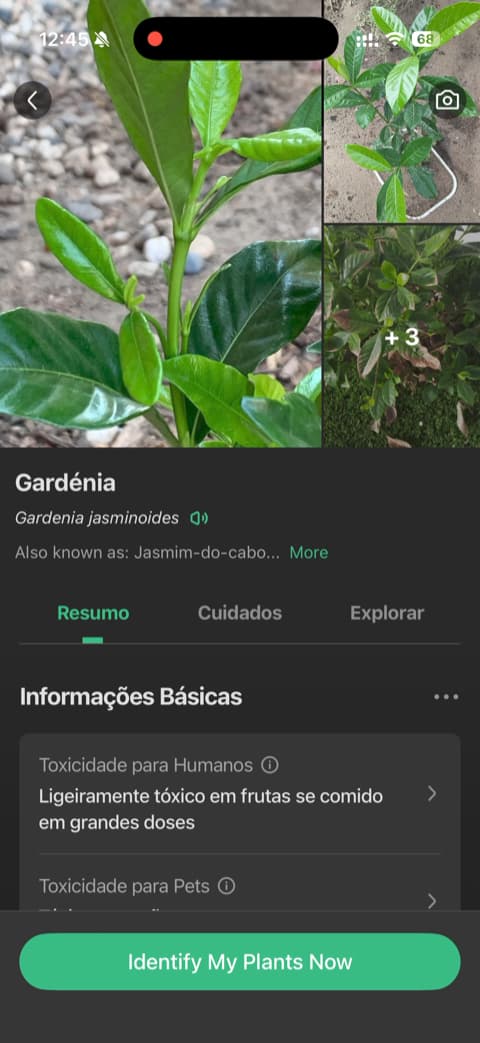
Planta shines once you know what is wrong and need to nurse a plant back to health. Its opening screens builds a detailed picture of your space through a thoughtful quiz, from how much light reaches your window to your experience level, and it uses all of that to shape the care it recommends. Small touches, like a slider for the distance between your plant and the window, make the setup feel precise. The layout is polished and the guidance is clear, which makes following a recovery plan feel manageable rather than overwhelming.
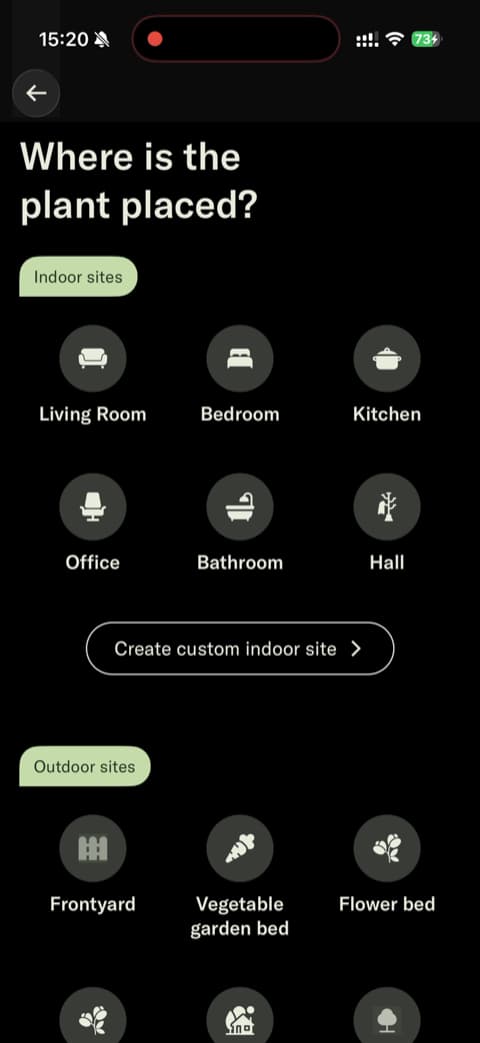
4. Blossom: Best for encouragement while you recover a plant
Anyone who has felt defeated by a struggling plant will recognize the tone here. Blossom leads with reassurance, letting you set up a plant and see its care details before it asks anything of you, so you feel supported from the start. The photography and animations feel premium. That warm, encouraging voice lands especially well when you are anxious about whether your plant will pull through, and it is a comforting place to be if you respond better to a gentle cheerleader than a clinical checklist.
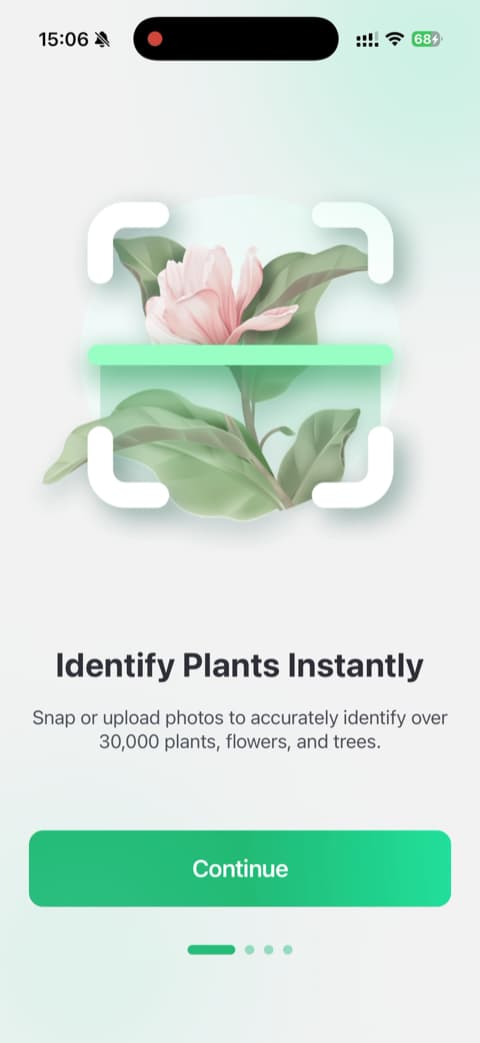
5. PlantIn: Best for seeing a plant's care needs quickly
The essentials show up fast here. An interactive demo walks you through how identification works using a sample plant, so you get a feel for PlantIn right away without needing your own plant in front of you. The care summaries are easy to scan too. That kind of quick clarity is genuinely useful in the first anxious minutes after you notice something is wrong.
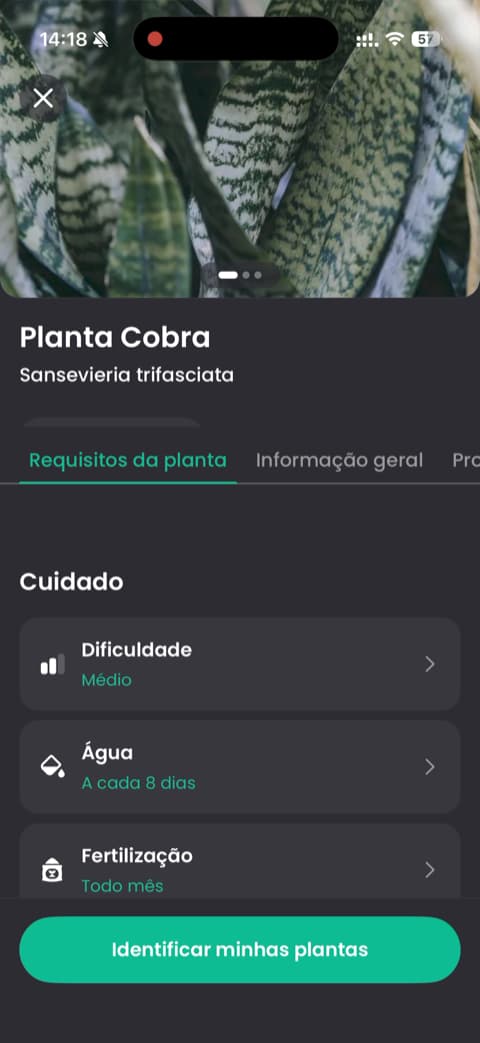
6. PlantAI: Best for a straightforward diagnosis checklist
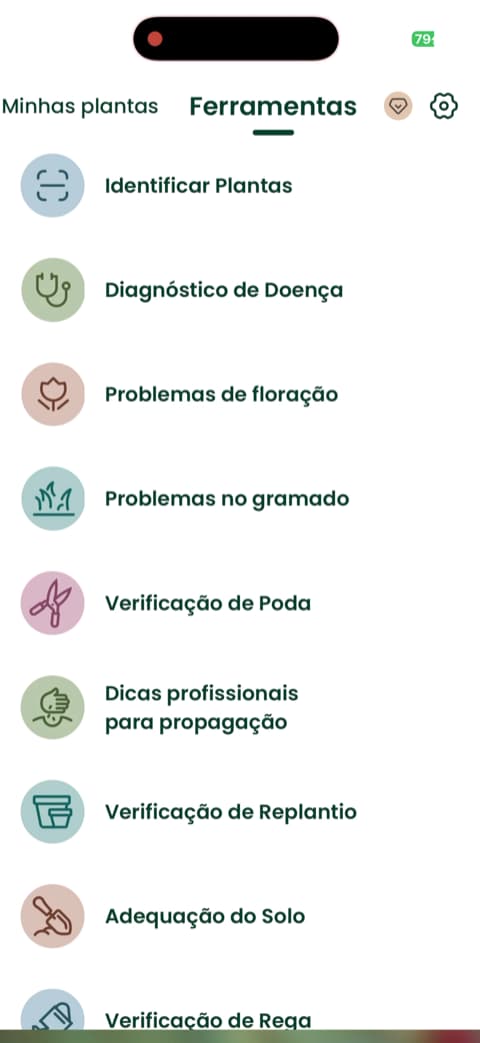
PlantAI keeps things simple. It puts the essentials, identification, diagnosis, and database size, right up front, so you always know exactly what the app is there to do. There is no long detour before you get to the point. If you want a no-frills tool that focuses on telling you what is wrong and what the plant actually is, without a lot of extra layers to work through, PlantAI covers those basics clearly.
How to choose
If you only ever needed to look up a plant name, almost any of these would do. But a sick plant is a different problem. You need an app that reads the symptoms, explains them without the jargon, and shows you the steps to fix it, fast, before the damage spreads. That is exactly where Bloom is built to help, with diagnosis one tap away and disease risks flagged before they start. For most people staring at a drooping plant and hoping to save it, it is the easiest place to begin.
Download Bloom, snap a photo of your struggling plant, and find out how to help it today.
Related articles

The 5 Best Apps to Remember to Water Your Plants
Always forgetting to water your plants? Here are the 5 best apps that remember for you, tested for smart reminders that actually fit your routine.

The 6 Best Plant Apps for Beginners
New to plants and worried you'll kill them? Here are the six best plant apps for beginners, tested for how easy they make identifying and caring for your first plants.

The 7 Best Apps for People Who Always Kill Their Plants
If your plants keep dying no matter how hard you try, these 7 apps were made for you. Here are the ones that actually help keep a plant alive.